Browser-Based vs Desktop Media Tools: Which Is Right for Your Workflow?
Browser-based tools are more powerful than ever — but desktop software still has clear advantages. This guide helps you decide which approach fits your workflow.

The Case for Browser-Based Tools
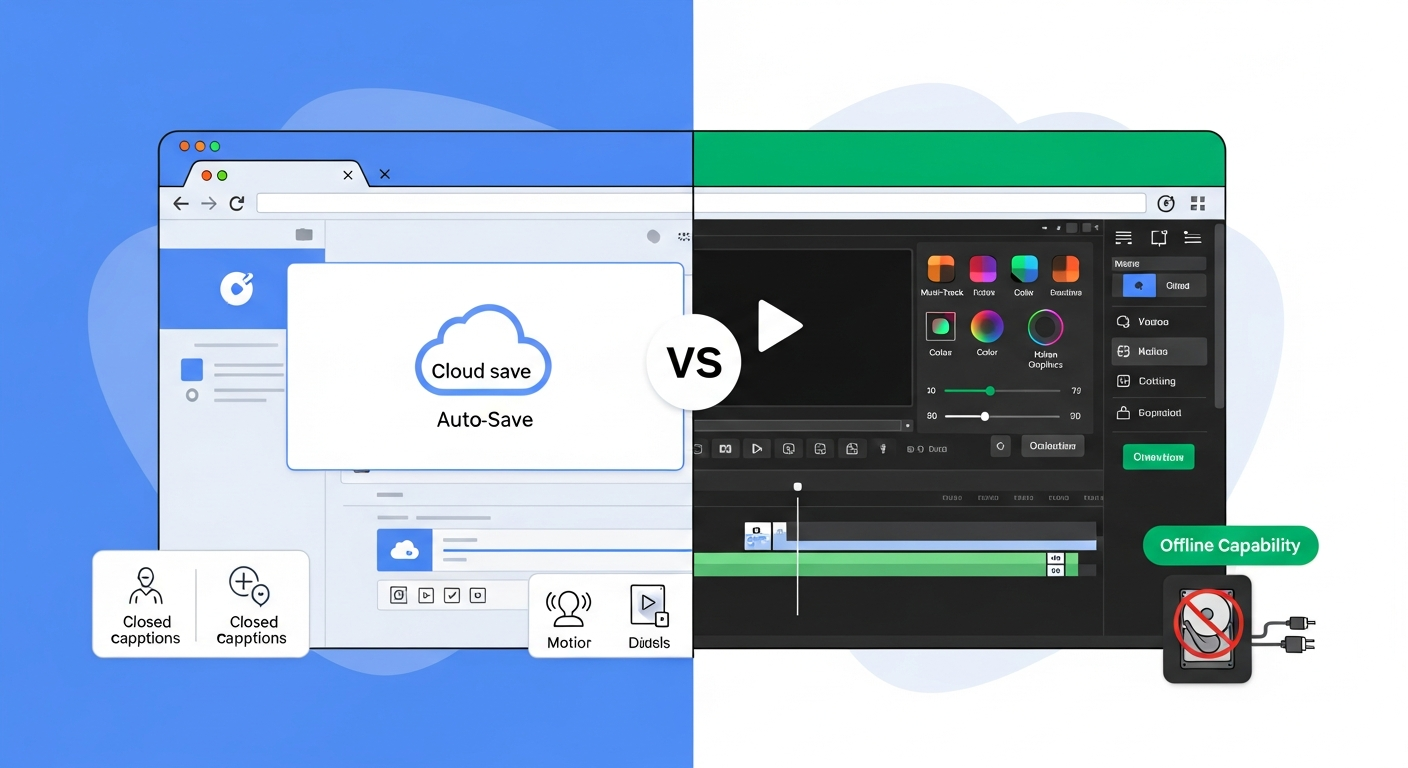
Browser-based media tools have matured dramatically. Tools like VEED, InVideo, Flixier, Descript, and Adobe Podcast now handle workflows that would have been impossible without desktop software five years ago. Their key advantages: zero installation friction, cross-device access, automatic updates, collaborative features, and cloud rendering that makes hardware less relevant. For social media creators and teams who prioritize accessibility, browser tools have become genuinely professional-grade options.
Where Desktop Tools Still Win
Desktop software retains clear advantages for several specific needs. Raw processing power: desktop software can leverage your GPU and all available RAM for maximum performance. Plugin ecosystems: professional DAWs and video editors have decades-old plugin ecosystems that browser tools can't replicate. Offline work: desktop tools work without internet access — critical for creators who travel. File format compatibility: desktop tools handle obscure and professional formats that browser tools often don't support.
The Hybrid Approach Most Creators Take
The most practical answer for most creators isn't "browser or desktop" — it's both, used for different stages of the workflow. Many creators record locally with desktop software, do a quick rough cut in a browser tool, do final polish in desktop software, and then use browser tools for subtitle generation and repurposing. This hybrid model leverages the strengths of both environments without being restricted by either's limitations.
Cost Comparison: What You Actually Pay
Browser tools are almost universally subscription-based. The monthly cost is predictable but compounds over time. Desktop software historically offered perpetual licenses — pay once, own forever. Today many desktop tools also require subscriptions (Adobe's Creative Cloud being the most prominent example). DaVinci Resolve remains a notable exception with a fully functional free version and a reasonable one-time payment for the Studio version.
Frequently Asked Questions
Common questions about this software and category.