Subtitle & Caption Software
In-depth reviews, side-by-side comparisons, and expert guides covering the best subtitle software for content creators.
Top Guides in This Category
What Are Subtitle and Caption Tools?
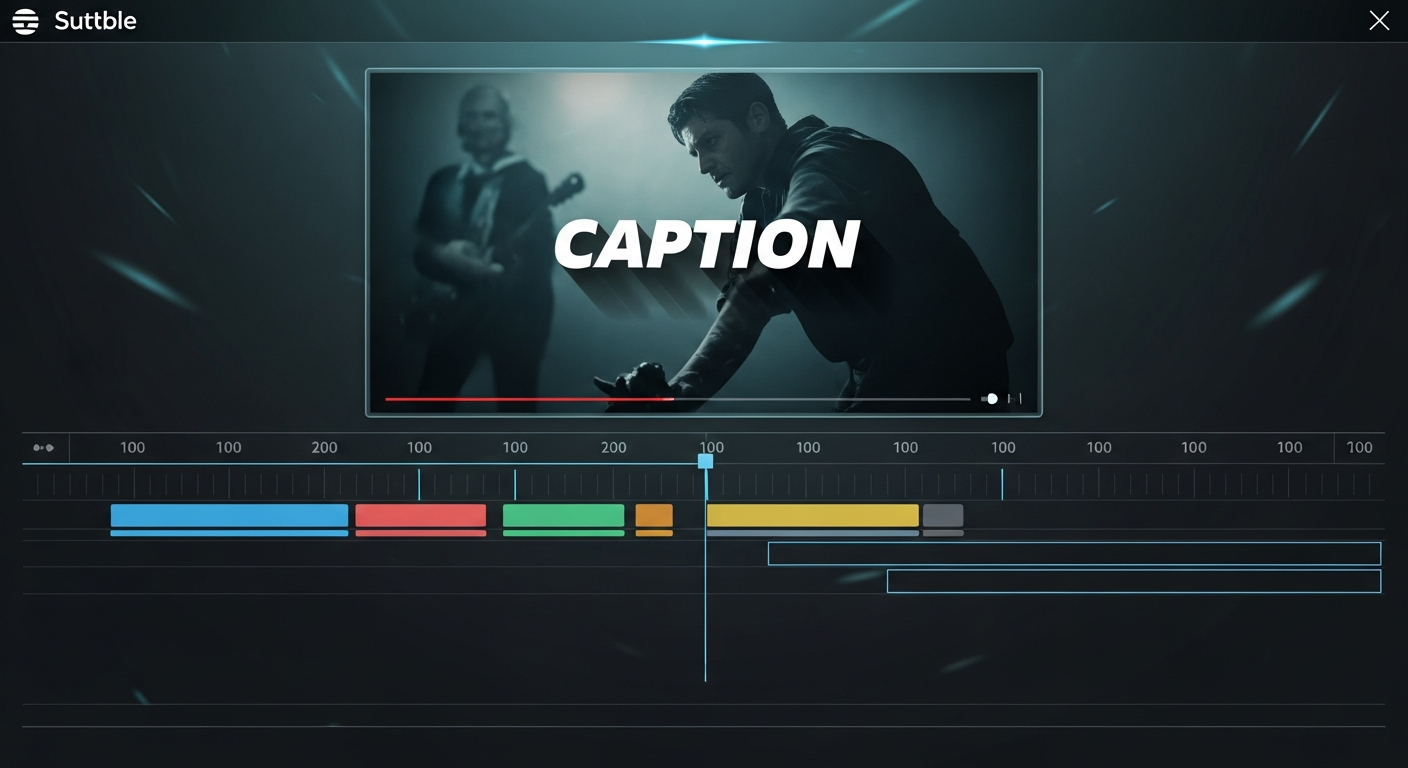
Subtitle tools generate, edit, style, and embed captions and subtitles in video content. The distinction between subtitles and captions is subtle but meaningful: subtitles assume the viewer can hear the audio and primarily represent spoken dialogue translated for non-native language speakers, while closed captions are designed for deaf and hard-of-hearing viewers and include non-speech audio information (background music, sound effects, speaker identification). In practice, most creators use the terms interchangeably and need tools that handle both.
The most significant development in this category has been the rise of AI-powered auto-captioning that achieves accuracy rates exceeding 95% on clear speech — making manual transcript entry essentially obsolete for most creator workflows. Tools like VEED, CapCut, and Descript can generate, style, and burn captions directly into video in minutes rather than hours.
Who Needs Subtitle Software?
- Video creators on social platforms — over 85% of social media videos are watched without sound; captions are essential for engagement
- YouTube publishers — accurate captions improve search indexing and accessibility compliance
- Corporate and educational content producers — captions are often legally required for accessibility in many jurisdictions
- Multilingual creators — translated subtitle tracks multiply the reach of existing content with minimal incremental effort
- Course creators — video learning platforms typically require accurate captions for compliance
- Podcasters with video versions — captioned video podcast clips perform better as social media repurposing
Key Features to Look For
- Auto-generation accuracy — test on your own recordings before committing; results vary by accent, technical vocabulary, and audio quality
- Styling and customization — font, color, size, position, outline, shadow, and animation options for on-brand captions
- Inline editing — ability to correct errors by clicking directly on caption text without a separate interface
- Export formats — SRT, VTT, and ASS/SSA for embedding in platforms; burned-in captions for direct video export
- Language support — translation capabilities for multilingual distribution
- Platform-specific presets — TikTok, Reels, and YouTube Shorts each have caption conventions that differ from standard broadcast subtitles
Burned-In vs. Soft Captions
Burned-in (or hardcoded) captions are permanently embedded in the video file and display on every platform automatically. They're the only option for social media platforms that don't support caption files (like Instagram and TikTok, where separate subtitle files don't upload). They allow full creative styling but cannot be turned off by the viewer.
Soft captions (external subtitle files in SRT or VTT format) are uploaded alongside the video and can be toggled on or off by the viewer. YouTube, Vimeo, and most video platforms support soft captions, giving viewers control and allowing corrections after publishing without re-editing the video. A comprehensive caption strategy often includes both: burned-in for social media clips and soft captions uploaded to YouTube and Vimeo.
Pricing Models
- Free with watermark: VEED free plan adds a watermark; CapCut is genuinely free with no watermark and strong captioning
- Freemium: VEED Lite at $12/month removes watermarks and adds more export options
- Bundled: Descript includes captioning as part of its broader editing and transcription suite ($24/month Creator)
- Per-minute pay-as-you-go: Some services charge per minute of audio processed rather than a monthly subscription
Common Mistakes When Adding Captions
- Publishing auto-generated captions without reviewing them — even 95% accuracy means one error per 20 words, which is noticeable in shorter videos
- Using default caption positioning that covers important visual content — good subtitle tools allow repositioning
- Ignoring caption pacing — captions that stay on screen too long or disappear too fast disrupt the reading experience significantly
- Using the same caption style for all platforms — short-form social content benefits from bold, animated captions while educational content benefits from clean, minimal styling
- Forgetting to export soft captions for platforms that support them — burned-in captions are the fallback, not the primary option for YouTube
Future Trends in Subtitle Technology
Word-by-word caption highlighting (where each word is highlighted as it's spoken) is becoming the standard visual style for short-form social content — dramatically increasing engagement compared to static caption blocks. AI translation quality for subtitle creation has improved to the point where multilingual distribution of creator content is now practical without human translators for casual content. Real-time caption generation for live streams is approaching the accuracy of post-production transcription, enabling accessible live content without significant manual effort. The accessibility compliance landscape is also tightening — more jurisdictions are introducing requirements for captioned video content across education and corporate settings, expanding the commercial case for accurate captioning beyond pure creator optimization.
Featured Software in This Category
Our editors have personally tested and scored each of these tools. Ratings are based on features, ease of use, pricing value, and real-world creator workflows.
VEED.IO
Free / $18/mo Pro
Browser-based video editor best known for its industry-leading auto-subtitle generation and clean, accessible interface.
Best for: Creators who need fast subtitle, caption, and transcription editing without downloading software
CapCut
Free / $7.99/mo Pro
Free AI-powered video editor from ByteDance optimized for short-form content with trending templates and effects.
Best for: Short-form video creators for TikTok, Instagram Reels, and YouTube Shorts
Descript
Free / $24/mo Creator
Revolutionary podcast and video editing software that lets you edit audio and video by editing the transcript text.
Best for: Podcasters and video creators who want to speed up editing by treating their recording like a word document
How We Review Software
Best Software Roundups
Our comprehensive best-of guides rank the top tools in each sub-category based on hands-on testing.
Software Comparisons
Can't decide between two tools? Our head-to-head comparisons break down every key difference to help you choose.
CapCut vs Flixier (2026): Free vs Paid — Which Editor Is Right for You?
CapCut vs Flixier comparison 2026 — features, pricing, cloud rendering, AI tools, and which video editor is better for your workflow.
InVideo vs VEED.IO (2026): Which Browser-Based Video Editor Wins?
InVideo vs VEED.IO head-to-head comparison — features, pricing, subtitle tools, AI capabilities, and which is best for your content workflow in 2026.
Helpful Guides
Practical step-by-step guides to help you get the most out of your tools and make smarter purchasing decisions.
What Features Actually Matter in Creator Software? A Practical Framework
Software companies compete on feature count. But most creators use 20% of features for 80% of their work. This guide identifies which features actually move the needle.
How to Choose the Right Video Editing Software: A Buyer's Guide
Don't overpay for features you don't need. Learn exactly what specifications and tools to look for when choosing your video editor.
Frequently Asked Questions
Common questions about subtitle software answered by our editorial team.
Frequently Asked Questions
Common questions about this software and category.