Video Editing Software
In-depth reviews, side-by-side comparisons, and expert guides covering the best video editing software for content creators.
Top Guides in This Category
What Is Video Editing Software?
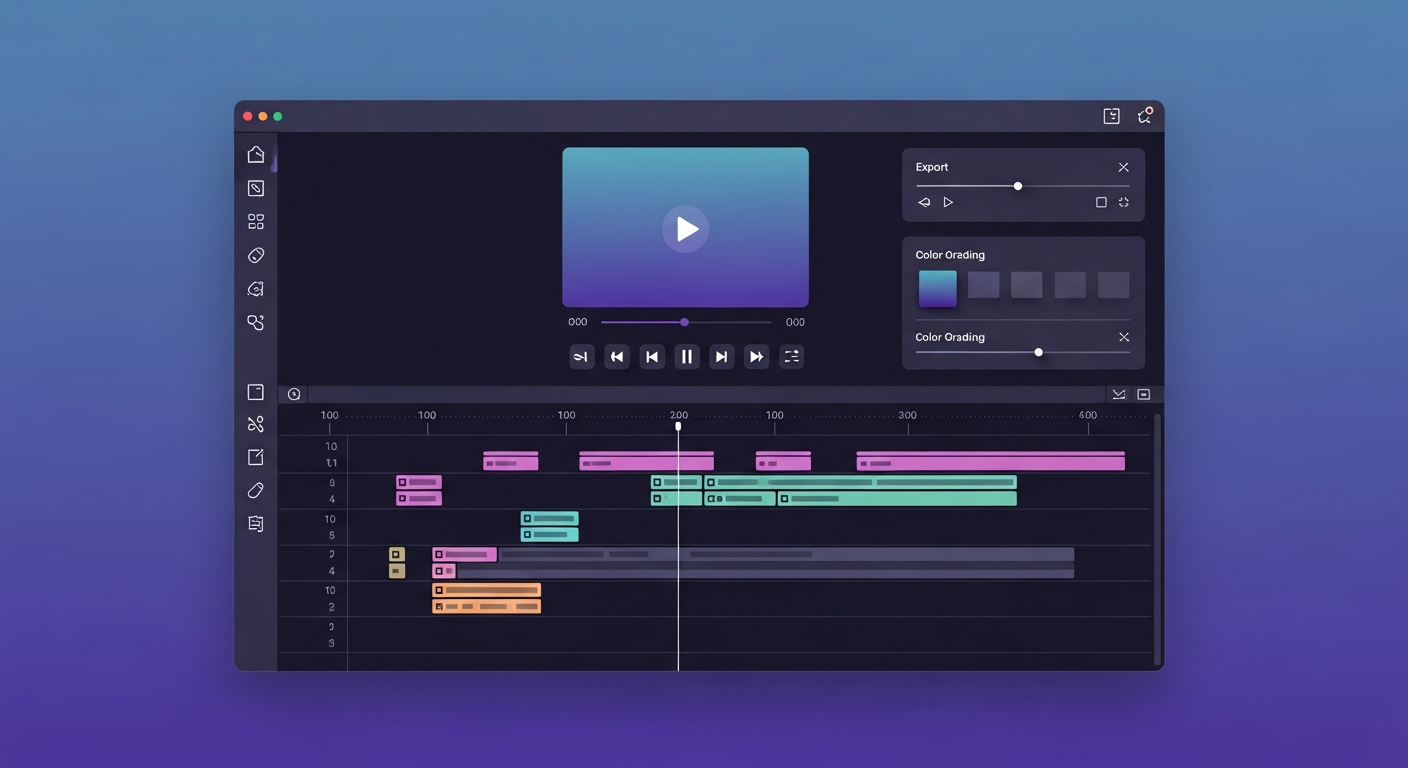
Video editing software lets you take raw footage — from a camera, screen recorder, or stock library — and transform it into a finished, shareable video. The editing process covers cutting and trimming clips, sequencing them on a timeline, adding transitions, titles, and effects, correcting color and exposure, mixing audio tracks, and exporting the final file in the right format for your target platform.
Modern video editors span an enormous range of complexity. Browser-based tools like VEED and InVideo let you create polished videos in minutes with no installation required. Professional-grade desktop software like DaVinci Resolve or Adobe Premiere Pro demands weeks of learning but offers granular creative control over every pixel of your production. Knowing where you fall on that spectrum is the most important step before choosing a tool.
Who Needs Video Editing Software?
Video editing tools serve a wide audience with very different requirements:
- Content creators producing YouTube videos, TikToks, Instagram Reels, or YouTube Shorts
- Marketers and agencies creating promotional videos, explainer content, and ads
- Educators and course creators producing tutorials, webinars, and online lessons
- Podcasters who record video sessions and want to distribute across multiple platforms
- Businesses producing internal training videos, product demos, and client presentations
- Freelance editors serving clients who need polished video content on a deadline
A TikTok creator and a corporate video producer have almost no overlapping workflow requirements — the right tool depends entirely on your use case, output format, and production volume.
Key Features to Look For
- Timeline and multi-track editing — layer video, audio, and effect tracks independently
- Color grading tools — from basic brightness sliders to professional LUT support and scopes
- Audio controls — noise reduction, volume normalization, background music integration
- Text and captions — title templates, lower thirds, and auto-caption generation
- Stock asset libraries — royalty-free music, sound effects, footage, and templates built in
- Export options — support for multiple formats (MP4, MOV, WebM) and platform-specific presets
- Performance — smooth real-time playback without stuttering, especially at 4K resolutions
Beginner vs. Advanced Video Editing Tools
Beginner-friendly tools like CapCut, InVideo, and Canva Video Editor emphasize drag-and-drop simplicity, pre-built templates, and minimal technical settings. They get you from raw footage to a finished video quickly — often with AI features handling captioning and background removal automatically.
Professional tools like DaVinci Resolve, Final Cut Pro, and Adobe Premiere Pro offer complete creative control: RAW footage support, HDR color workflows, advanced audio mixing, visual effects compositing, and multi-camera editing. The tradeoff is a steeper learning curve and higher hardware requirements. For most creators starting out, beginning with an accessible tool and upgrading as your skills and ambitions grow is the most practical approach.
Cloud-Based vs. Desktop vs. AI-Powered Editing
Desktop editing (DaVinci Resolve, Premiere Pro, Final Cut Pro) delivers the best raw performance and handles your local storage directly. It requires installation but processes demanding projects faster and works offline.
Browser-based editing (VEED, InVideo, Flixier) runs entirely in the cloud — no installation, accessible from any device, often with team collaboration features built in. Performance has improved dramatically; most browser editors now handle 1080p editing and export without issue.
AI-powered tools like CapCut and Descript use machine learning to automate the most time-consuming editing tasks: generating captions, removing silence and filler words, cutting clips from long-form content, and applying stylistic effects. AI doesn't replace creative judgment — it compresses repetitive production work so you can focus on content quality.
Understanding Pricing Models
- Free — CapCut offers genuinely competitive editing features at zero cost with no watermarks on exports
- Freemium — InVideo, VEED, and Flixier offer limited free plans with paid upgrades ranging from $12–$50/month
- Subscription — Adobe Premiere Pro ($22/month) and DaVinci Resolve Studio ($295 one-time)
- Lifetime licenses — some tools like Filmora offer one-time purchase options that avoid ongoing costs
For creators working across multiple projects and platforms, browser-based monthly subscriptions often provide better flexibility and value than one-time desktop purchases despite the ongoing cost.
Common Mistakes When Choosing a Video Editor
- Choosing the most popular tool (often Premiere Pro) without considering whether it fits your actual workflow
- Ignoring export limitations — many free plans add watermarks or restrict export resolution to 720p
- Overlooking audio quality — poor audio ruins good video; check what audio tools are included before committing
- Skipping the free trial before committing to an annual subscription
- Not considering your hardware — desktop tools require significantly more processing power than browser-based tools
Future Trends in Video Editing
AI integration is the most significant force reshaping video editing in 2026. Automatic B-roll selection, AI voiceover generation, text-to-video creation, and one-click style transfer are moving from experimental to production-ready capabilities. Browser-based tools are rapidly closing the performance gap with desktop software — particularly for short-form content workflows where real-time preview and fast export matter most. Real-time collaboration — multiple editors working on the same timeline simultaneously — is expanding from enterprise platforms to creator-focused tools. The net result: more technical work is automated, freeing creators to focus on storytelling and creative decisions rather than mechanical editing tasks.
Featured Software in This Category
Our editors have personally tested and scored each of these tools. Ratings are based on features, ease of use, pricing value, and real-world creator workflows.
InVideo
Free / $20/mo Business
AI-powered browser-based video creation platform with thousands of templates designed for marketers and social media creators.
Best for: Marketers, social media managers, and creators who need polished videos fast without learning a complex editor
VEED.IO
Free / $18/mo Pro
Browser-based video editor best known for its industry-leading auto-subtitle generation and clean, accessible interface.
Best for: Creators who need fast subtitle, caption, and transcription editing without downloading software
CapCut
Free / $7.99/mo Pro
Free AI-powered video editor from ByteDance optimized for short-form content with trending templates and effects.
Best for: Short-form video creators for TikTok, Instagram Reels, and YouTube Shorts
Flixier
$10/mo Creator
Cloud-based collaborative video editor that renders in the cloud, making high-quality editing accessible on low-end hardware.
Best for: Teams and creators who need collaborative cloud-based video editing without hardware limitations
Canva Video Editor
Free / $14.99/mo Pro
Video creation within Canva's design platform, combining drag-and-drop design tools with video editing for polished social content.
Best for: Designers and marketers already using Canva who want to add video to their content workflow
How We Review Software
Best Software Roundups
Our comprehensive best-of guides rank the top tools in each sub-category based on hands-on testing.
Best Video Editing Software for Beginners in 2026
Starting your YouTube or TikTok journey? We tested 15+ beginner-friendly video editors to find the absolute best options that won't overwhelm you.
Best AI Video Editing Software in 2026
AI is transforming video editing. We've tested every major AI video tool to identify which ones genuinely save time and which are marketing fluff.
Software Comparisons
Can't decide between two tools? Our head-to-head comparisons break down every key difference to help you choose.
InVideo vs VEED.IO (2026): Which Browser-Based Video Editor Wins?
InVideo vs VEED.IO head-to-head comparison — features, pricing, subtitle tools, AI capabilities, and which is best for your content workflow in 2026.
CapCut vs Flixier (2026): Free vs Paid — Which Editor Is Right for You?
CapCut vs Flixier comparison 2026 — features, pricing, cloud rendering, AI tools, and which video editor is better for your workflow.
Helpful Guides
Practical step-by-step guides to help you get the most out of your tools and make smarter purchasing decisions.
How to Choose the Right Video Editing Software: A Buyer's Guide
Don't overpay for features you don't need. Learn exactly what specifications and tools to look for when choosing your video editor.
Browser-Based vs Desktop Media Tools: Which Is Right for Your Workflow?
Browser-based tools are more powerful than ever — but desktop software still has clear advantages. This guide helps you decide which approach fits your workflow.
Frequently Asked Questions
Common questions about video editing software answered by our editorial team.
Frequently Asked Questions
Common questions about this software and category.