Content Repurposing Tools
In-depth reviews, side-by-side comparisons, and expert guides covering the best content repurposing for content creators.
Top Guides in This Category
What Are Content Repurposing Tools?
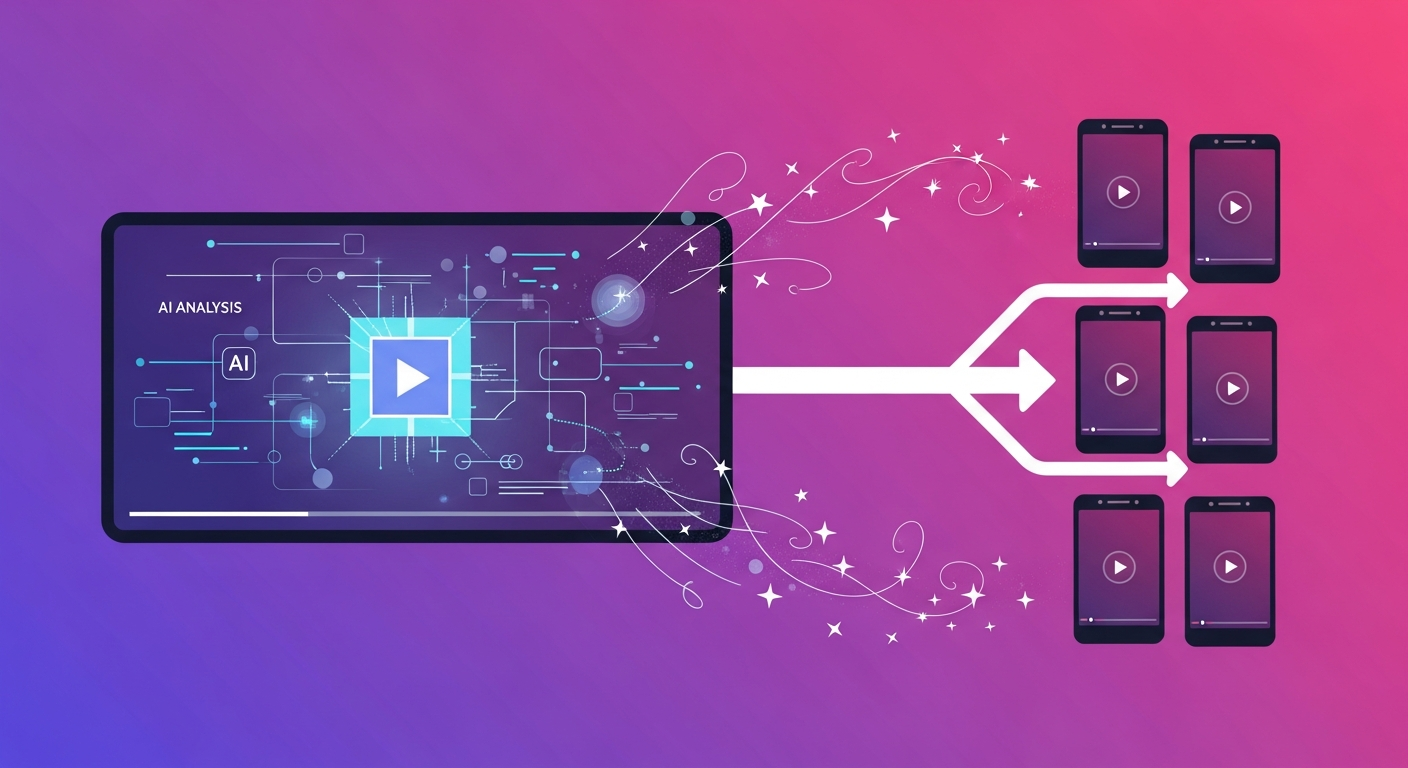
Content repurposing tools use AI to transform long-form video content — YouTube videos, podcast recordings, webinars, and live streams — into short-form clips optimized for distribution across TikTok, Instagram Reels, YouTube Shorts, LinkedIn, and Twitter/X. They analyze the source video to identify the most engaging or insightful moments, extract them as standalone clips, add captions, resize for the correct aspect ratio, and often apply additional enhancements like speaker zoom and B-roll recommendations.
The value proposition is compelling: instead of recording separate short-form content for each platform (a time-intensive workflow), creators record one primary long-form video and let AI generate the derivative content. A 60-minute video can yield 8–15 publishable short clips in under an hour of human review time — compared to a full day of manual editing for the same output.
Who Benefits Most from Repurposing Tools?
- YouTubers and podcasters wanting to grow short-form audiences without additional recording time
- Course creators and educators repurposing lesson content as social media proof-of-expertise content
- Speaker and thought leaders extracting compelling clips from keynotes, conference talks, and webinars
- Marketing teams distributing product demos and thought leadership content across multiple platforms
- Podcasters generating audiogram and video clips for podcast promotion across visual social platforms
- Event organizers maximizing reach from live event recordings after the event concludes
Key Features to Look For
- AI clip identification quality — how well the AI identifies genuinely engaging moments vs. random sections of footage
- Caption accuracy and styling — burned-in captions are standard for short-form; word-by-word highlighting is increasingly expected
- Aspect ratio handling — automatic reframing from 16:9 to 9:16 vertical for mobile-first platforms
- Speaker tracking — keeping the active speaker centered in frame when multiple people appear on screen
- Viral score prediction — some tools rank generated clips by predicted engagement potential
- Brand kit integration — applying consistent logo, colors, and caption styling across all generated clips
- Direct publishing integrations — scheduling and publishing clips directly to platforms without manual downloads
AI Quality vs. Manual Control
The core tension in repurposing tools is the trade-off between automation and control. Fully automated workflows (upload → receive clips → publish) work well for high-volume content where speed matters more than per-clip optimization. For creators who care deeply about which specific moments represent them well, AI clip quality varies — expect to review and select from the generated options rather than publishing everything the AI produces.
Opus Clip's "Viral Score" algorithm and Vidyo.ai's clip scoring both attempt to predict clip performance — useful for prioritizing review efforts without watching all generated clips manually. In practice, creators report using 40–60% of AI-generated clips, with the AI handling the time-intensive identification and extraction work and humans making the final selection decisions.
Pricing Models
- Free tiers: Opus Clip free (limited processing minutes per month), Vidyo.ai free (watermarked output)
- Subscription: Opus Clip Pro ($19/month), Vidyo.ai Starter ($19/month)
- Usage-based: Some plans charge per minute of video processed rather than flat monthly fees
- Team plans: Both tools offer multi-seat plans for marketing teams and agencies with higher processing volumes
For individual creators producing weekly long-form content, either tool's entry-level plan typically provides enough processing minutes at around $19–$29/month. Evaluate against the time value of the clips it generates — if each month's plan saves 4+ hours of manual editing, the math is typically favorable.
Common Mistakes When Using Repurposing Tools
- Publishing AI-generated clips without any review — even with high-quality AI, the tool doesn't understand your personal brand, context, or which moments best represent your expertise
- Expecting every clip to perform well — not all extracted moments translate to standalone short-form content; the AI is a starting point, not a guarantee
- Ignoring caption corrections — industry terms, names, and technical vocabulary frequently cause transcription errors in captions
- Using generic caption styles rather than platform-optimized formatting — what works on LinkedIn (minimal, professional) differs from what performs on TikTok (bold, animated, high contrast)
- Neglecting to add a hook in the first 2 seconds of each clip — even AI-identified moments often benefit from manual trimming of the opening to start at the most attention-grabbing point
Future Trends in AI Content Repurposing
Chapter-based repurposing — where AI identifies and labels topic segments within long-form content to generate thematically complete clips rather than arbitrary engaging moments — is developing rapidly. Automatic platform-specific optimization (different hook text, caption style, and clip length for TikTok vs. LinkedIn vs. YouTube Shorts) is the next logical evolution. Direct scheduling and cross-platform publishing from repurposing tools is eliminating the need to download and re-upload clips manually. As AI video models mature, repurposing tools will eventually offer not just extraction but enhancement — adding context, visual overlays, and narrative framing to make clips more standalone-ready without manual editing.
Featured Software in This Category
Our editors have personally tested and scored each of these tools. Ratings are based on features, ease of use, pricing value, and real-world creator workflows.
Opus Clip
Free / $19/mo Pro
AI-powered video repurposing tool that automatically finds the most engaging moments in long videos and turns them into short clips.
Best for: YouTubers and podcasters who want to automatically clip long-form content into viral short-form videos
Vidyo.ai
Free / $29/mo Pro
Team-focused AI video repurposing platform that exports to multiple social formats in one click with brand template support.
Best for: Marketing teams and agencies who need to scale repurposed video content across multiple platforms
How We Review Software
Best Software Roundups
Our comprehensive best-of guides rank the top tools in each sub-category based on hands-on testing.
Best Content Repurposing Software for Creators in 2026
Work smarter, not harder. The best content repurposing tools turn one long video into weeks of short-form content automatically. Here's what we recommend.
Best Software Stack for YouTube Creators in 2026
Every serious YouTuber needs a reliable software stack. Here are the tools our editors use daily for recording, editing, subtitles, thumbnails, and analytics.
Software Comparisons
Can't decide between two tools? Our head-to-head comparisons break down every key difference to help you choose.
Helpful Guides
Practical step-by-step guides to help you get the most out of your tools and make smarter purchasing decisions.
How to Repurpose One Video Into Multiple Content Assets
One hour of video can produce weeks of content. Learn the exact repurposing workflow that serious creators use to maximize every recording session.
Browser-Based vs Desktop Media Tools: Which Is Right for Your Workflow?
Browser-based tools are more powerful than ever — but desktop software still has clear advantages. This guide helps you decide which approach fits your workflow.
Frequently Asked Questions
Common questions about content repurposing answered by our editorial team.
Frequently Asked Questions
Common questions about this software and category.