How to Organize Your Downloaded Media Files Like a Pro
Poor file organization costs creators hours every week. This guide teaches a practical system for organizing video, audio, and project files that scales as your library grows.

The Root Problem: Why Creator File Organization Fails
Most creators develop their file organization organically — downloading files wherever is convenient, creating project folders ad hoc, and relying on search when they can't find something. This works until it doesn't. When you have 10 projects, searching is fine. When you have 200, scattered files become a real productivity problem.
The PARA-Inspired System for Creators
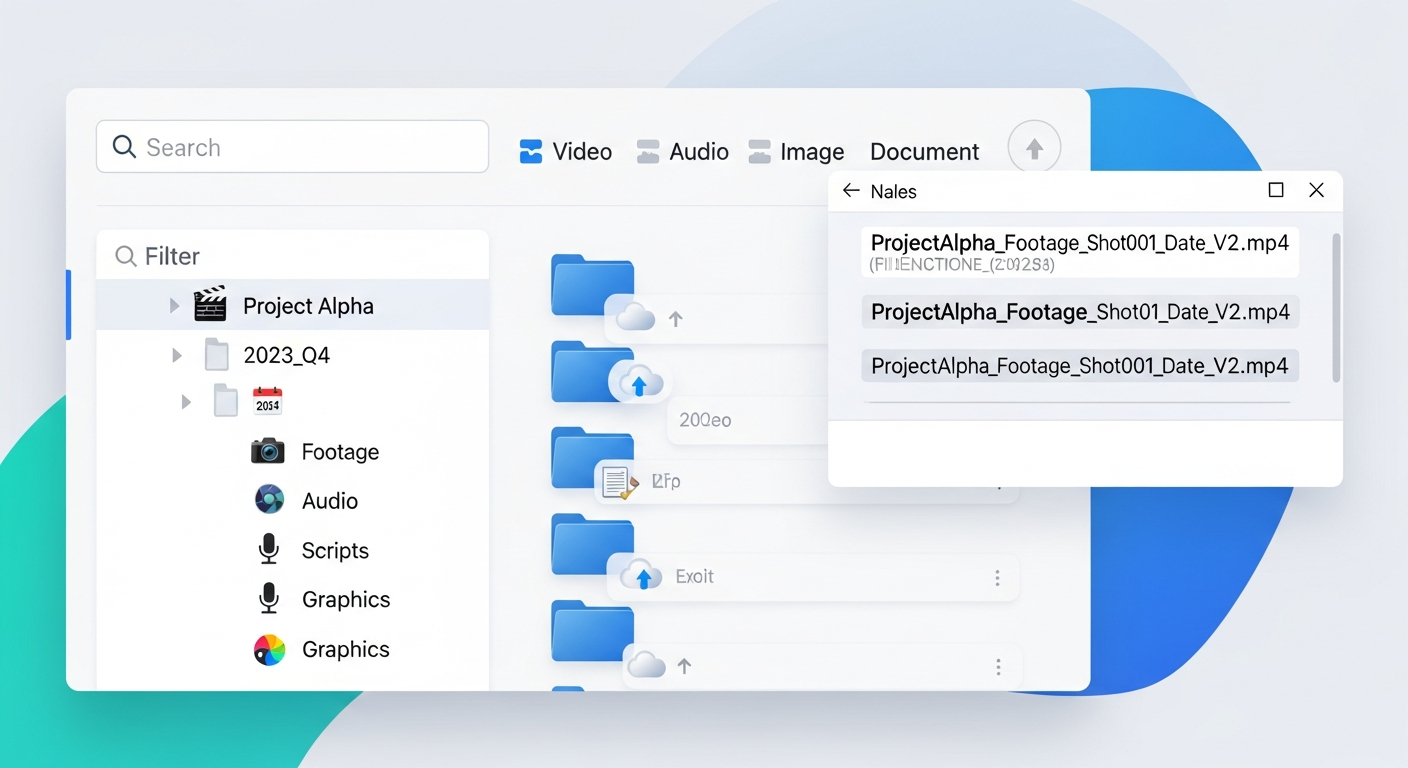
A useful organizational framework for creators borrows from Tiago Forte's PARA method. Your top-level folders should be: Projects (active productions in progress), Resources (stock footage, music, sound effects, fonts, templates), Archives (completed projects and their deliverables), and Assets (brand elements, logos, intro/outro sequences). Everything has a logical home in one of these four buckets.
Naming Conventions That Actually Work
Consistent naming conventions make files findable by scanning, not just searching. Use date-first naming (YYYY-MM-DD) for recordings so they sort chronologically. Include the project name and version number in edit project files. For deliverables, include the client name, project name, version, and date: Client_ProjectName_v3_2026-01-15.mp4. These conventions take discipline but become habit quickly.
Using Cloud Storage as Your Central Library
For creators working across multiple devices or collaborating with editors, cloud storage as the single source of truth is essential. Dropbox, pCloud, and Google Drive all offer desktop sync that makes your cloud library appear as a regular folder. Sync only the folders you're actively working on locally — archive older projects to cloud-only to save disk space.
Automating Your Backup System
The 3-2-1 backup rule: 3 copies of important files, 2 different storage media types, 1 offsite copy. For creators: your working drive is copy 1, an external backup drive is copy 2 (different media), and cloud storage is copy 3 (offsite). Tools like Carbon Copy Cloner (Mac) and Macrium Reflect (Windows) automate local backups. Cloud sync handles the offsite copy automatically once set up.
Frequently Asked Questions
Common questions about this software and category.