How to Pick the Right Screen Recorder: What Matters and What Doesn't
Screen recorders vary wildly in features, quality, and price. This guide explains what to actually look for — and what's just marketing noise.

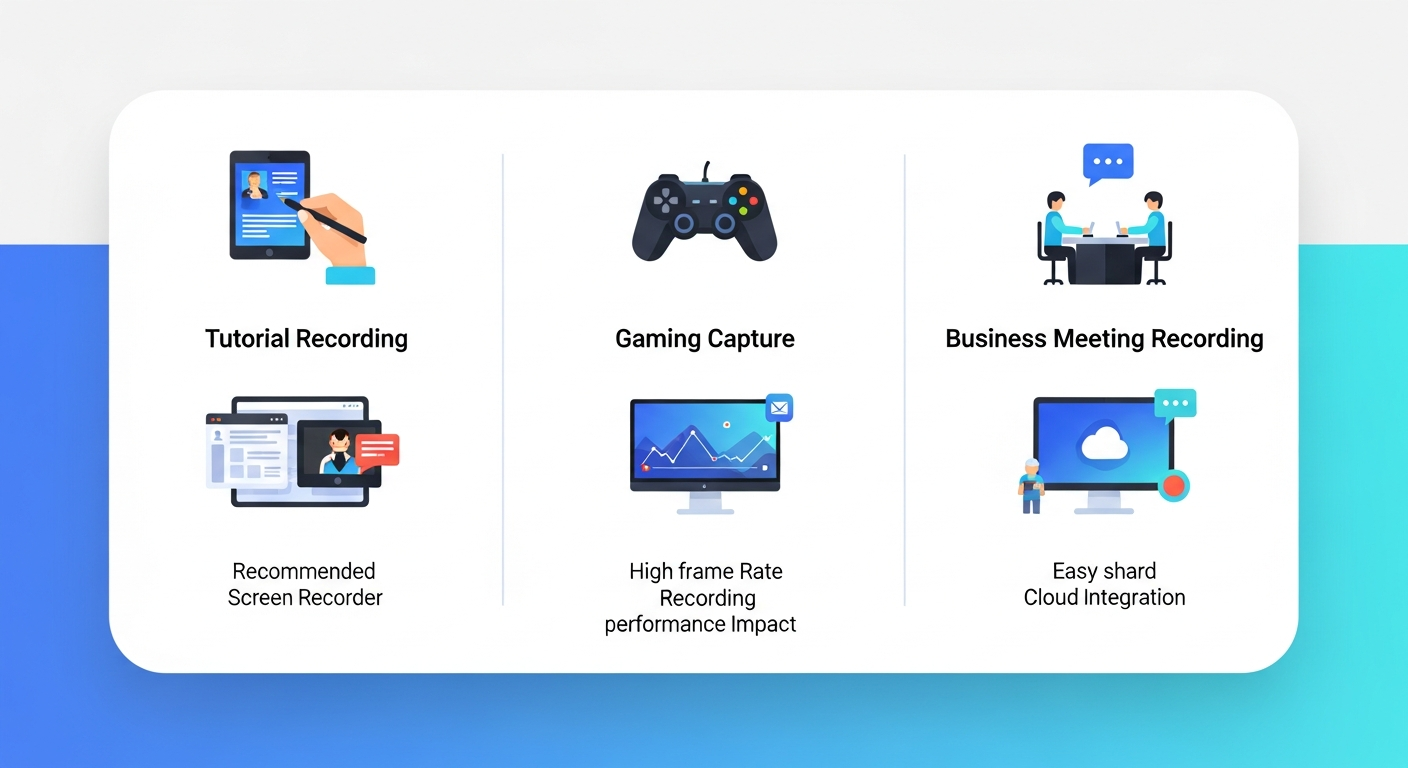
Define Your Primary Use Case First
Screen recording tools specialize. A tool built for async team communication (Loom) is not the right choice for a professional online course creator. A tool designed for podcast recording (Riverside) won't serve a software tutorial creator. Before evaluating options, define your primary use case.
The main categories are: async video messaging, tutorial and course creation, podcast and interview recording, game and live streaming capture, and screen capture for documentation. Each category has different tool requirements.
The Four Quality Factors That Actually Matter
When evaluating screen recording quality, focus on: maximum resolution and frame rate, audio source isolation (can you record system audio and microphone separately?), hardware acceleration support for smooth recording on your machine, and whether the tool produces usable output at your default settings without deep configuration.
Free Recording Time Limits: The Hidden Friction
Many screen recorders advertise a free tier but impose recording time limits that make them impractical — Loom's free 5-minute limit is the most well-known example. Before committing to a tool, verify whether the free tier's limits match your typical recording length. A 15-minute software tutorial would exceed Loom's free limit three times over.
Built-In Editing: When You Need It
If you plan to do any editing after recording — trimming, adding annotations, inserting text — a tool with a built-in editor like ScreenPal saves the step of exporting and opening a separate editor. For quick tutorials and team communications, built-in editing is a significant convenience. For professional course production, you'll likely use a dedicated editor regardless.
Sharing and Hosting: Part of the Tool Choice
Some screen recorders (Loom, ScreenPal) include video hosting with shareable links. Others simply produce a file for you to upload elsewhere. For creators who share videos with clients, students, or team members directly — rather than publishing to YouTube — integrated hosting is a practical workflow advantage.
Frequently Asked Questions
Common questions about this software and category.