How to Repurpose One Video Into Multiple Content Assets
One hour of video can produce weeks of content. Learn the exact repurposing workflow that serious creators use to maximize every recording session.

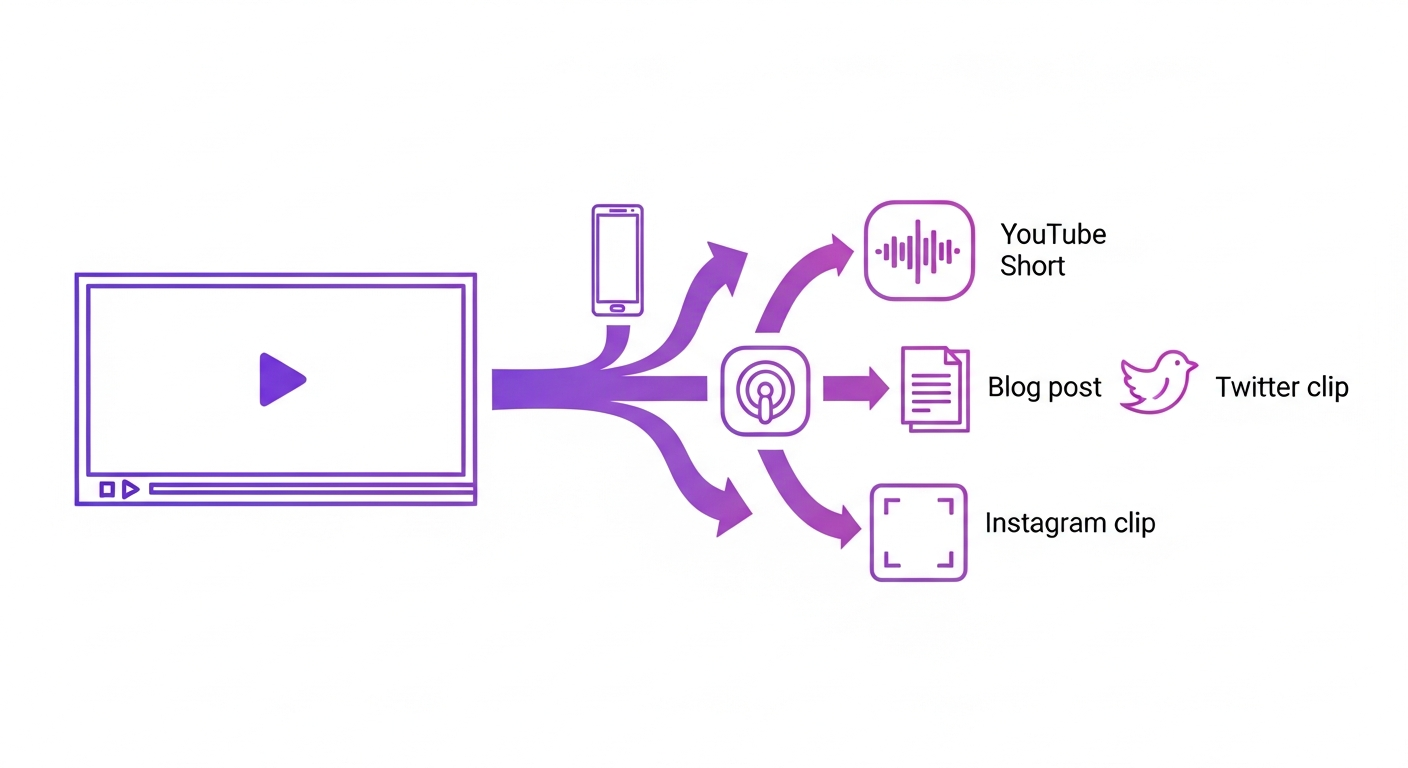
The Core Principle: Record Once, Distribute Many
The most efficient creators don't produce separate content for each platform — they record one piece of primary content and systematically derive everything else from it. A 60-minute YouTube video recorded with this approach in mind can yield: a full YouTube video, a podcast episode audio version, 8–12 short clips for TikTok/Reels/Shorts, a blog post from the transcript, social media quote cards, a newsletter issue, and LinkedIn post excerpts. The recording effort is the same; the distribution reach multiplies.
Setting Up Your Recording for Maximum Repurposability
Before you record, make decisions that maximize repurposing options. Use Riverside for remote interviews to get separate high-quality audio tracks per speaker — this makes the podcast version trivial to extract. Record at 1080p minimum with decent lighting to make the short clips look professional without additional work. Structure your content with clear topic segments — each segment can become a standalone short clip with minimal editing.
The AI-Assisted Repurposing Workflow
Modern AI tools have dramatically reduced the manual effort in repurposing. Upload your finished long-form video to Opus Clip to automatically identify and generate short clips with captions. Run the audio through Descript to generate a text transcript that becomes your blog post first draft. Use VEED to add styled captions and resize for different platform aspect ratios. The entire workflow — from finished long-form video to 8 short clips with captions — can be completed in under 2 hours with current AI tools.
Platform-Specific Optimization for Each Derivative
Each piece of derivative content needs minor platform-specific adjustment to perform well. YouTube Shorts perform better with the subject visible in the first 2 seconds and a clear hook in the caption. LinkedIn clips get more engagement with text overlays summarizing the key point rather than raw video with no context. TikTok responds well to CapCut trend templates applied to raw clip material. Don't just export and cross-post — spend 10–15 minutes optimizing each piece for its specific destination platform.
Frequently Asked Questions
Common questions about this software and category.