Vidyo.ai Review 2026: AI Video Repurposing for Marketing Teams
Vidyo.ai is built for teams and businesses who need to maintain consistent brand identity across high volumes of repurposed video content. Where Opus Clip optimizes for individual creator workflows, Vidyo.ai's team workspace features, brand kit system, and multi-platform export make it better suited for marketing operations.

Why Trust This Review?
Our editorial team independently tests and evaluates every tool we recommend. We are not paid by software companies to write positive reviews. When you buy through our affiliate links, we may earn a commission — this never influences our ratings or recommendations. Read our editorial policy →
Related Guides & Category
Vidyo.ai is a strong choice for marketing teams and agencies who need consistent branded short-form output from long videos. Its brand template system and team management features differentiate it from solo-creator tools. The AI clip selection is capable, though slightly behind Opus Clip in selectivity.
Best For
Marketing teams and agencies who need to scale repurposed video content across multiple platforms
Key Features Overview
What We Like
- ✓ Multi-format export across aspect ratios in one click
- ✓ Auto-captions with good accuracy
- ✓ Brand template presets for consistent output
- ✓ Team management and workspaces
Room to Improve
- ✗ AI clip selection less refined than top competitors
- ✗ Can be slow processing large video files
- ✗ Template customization is somewhat basic
Compare Alternatives & Learn More
Brand Templates and Visual Consistency
Vidyo.ai's brand template system lets teams define their fonts, colors, logo placement, and caption styles once and apply them automatically to every clip generated. For agencies managing multiple client brands, this means switching between client accounts produces correctly branded output without manual adjustment. The templates are customizable enough to accommodate most brand guidelines, and a live preview shows how captions and design elements will appear before finalizing.
Multi-Format Export in One Pass
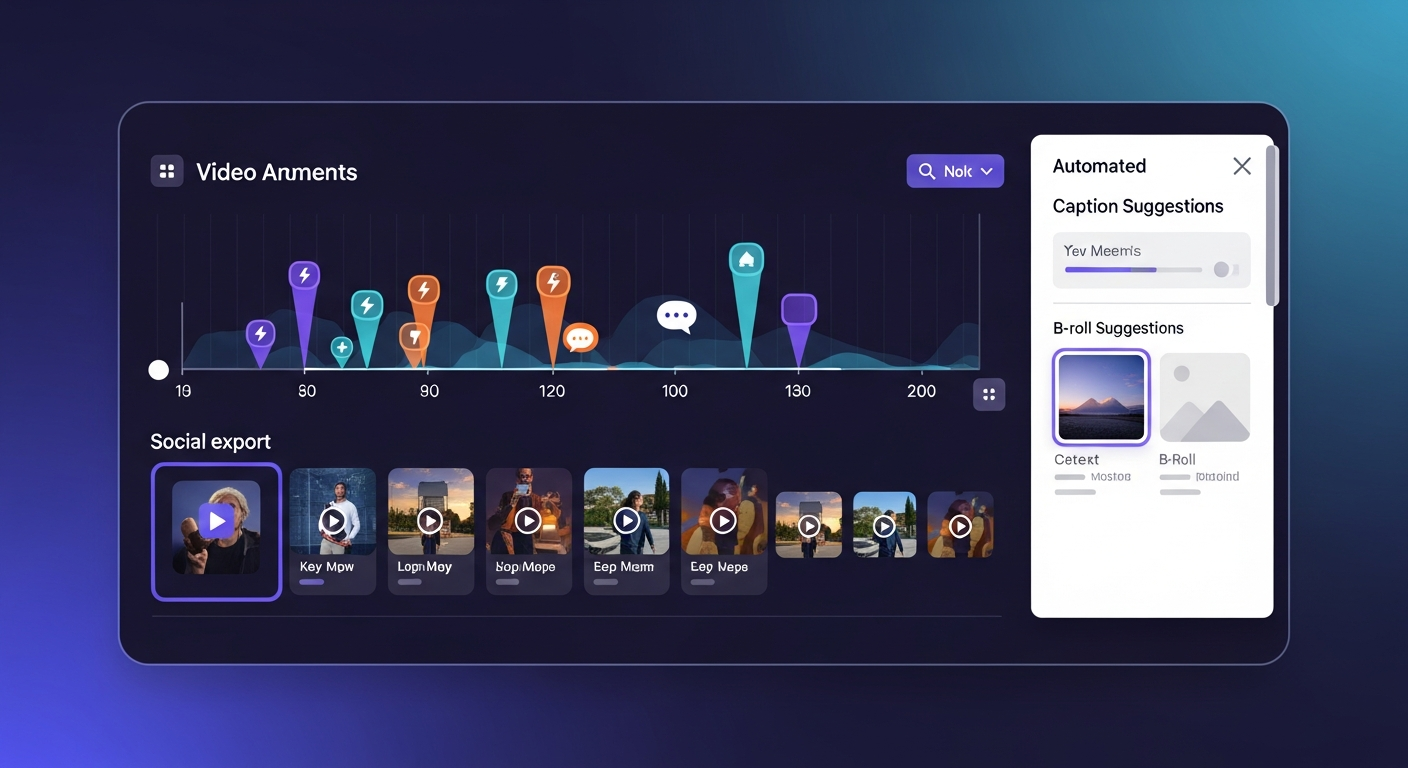
A practical workflow advantage of Vidyo.ai is the ability to export the same clip in multiple aspect ratios simultaneously — 9:16 for TikTok and Reels, 1:1 for LinkedIn, and 16:9 for YouTube all generated from a single source clip in one processing run. This eliminates the need to manually resize content for each platform, which is a meaningful time saving for teams publishing across 3–5 platforms regularly.
AI Clip Selection Quality
Vidyo.ai's AI clip detection works well for structured content like interviews, webinars, and explainer videos where there are clear topic transitions and quotable moments. For unstructured conversational content like casual vlogs, the selection is less consistent. The auto-reframing is reliable for static camera setups but struggles with rapid camera movement. Manual clip selection is always available as a fallback when the AI doesn't identify the right moments.
Team Workspace and Collaboration
The team features include role-based access controls (admin, editor, reviewer), shared brand asset libraries, and a project review interface where managers can approve or reject clips before publishing. For content teams running approval workflows, this structure is more organized than Opus Clip's single-user-centric model. Team plan pricing starts at $49/month for up to 3 users, which is reasonable for small agency or in-house teams.
Pricing Compared to Alternatives
Vidyo.ai's free plan offers 75 upload minutes per month, which is more generous than Opus Clip's 60. The Pro plan at $29/month provides more processing time and brand templates. For teams, the Business plan is necessary. Vidyo.ai is generally more expensive than Opus Clip when comparing equivalent usage tiers, but the brand template and team features partially justify the premium for business use cases. Solo creators who don't need team features will find Opus Clip better value.
Money-Saving Tip
Who Uses Vidyo.ai?
- Marketing agencies managing repurposed content for multiple clients
- In-house content teams maintaining brand consistency across platforms
- Corporate communications teams clipping executive keynotes
- Course creators repurposing long lessons into promotional clips
- Social media managers working within an approval workflow
Comparing Options?
Alternatives to Consider
Not sure this tool is the right fit? Here are the closest alternatives we've reviewed:
AI-powered video repurposing tool that automatically finds the most engaging moments in lo…
Free / $19/mo ProFree AI-powered video editor from ByteDance optimized for short-form content with trending…
Free / $7.99/mo ProRevolutionary podcast and video editing software that lets you edit audio and video by edi…
Free / $24/mo CreatorFinal Verdict
Vidyo.ai is a strong choice for marketing teams and agencies who need consistent branded short-form output from long videos. Its brand template system and team management features differentiate it from solo-creator tools. The AI clip selection is capable, though slightly behind Opus Clip in selectivity.
Frequently Asked Questions
Common questions about this software and category.
Related Reading
Vidyo.ai
Team-focused AI video repurposing platform that exports to multiple social formats in one click with…
- Multi-format export across aspect ratios in one click
- Auto-captions with good accuracy
- Brand template presets for consistent output
Affiliate link — we may earn a commission at no extra cost to you.