Otter.ai Review 2026: Best AI Transcription for Meetings and Interviews?
Otter.ai is an AI-powered transcription and note-taking assistant that has become standard issue for remote teams and journalists. Its signature feature is real-time transcription that generates searchable, shareable notes of any meeting or recorded conversation, with speaker identification and automatic AI-generated summaries.

Why Trust This Review?
Our editorial team independently tests and evaluates every tool we recommend. We are not paid by software companies to write positive reviews. When you buy through our affiliate links, we may earn a commission — this never influences our ratings or recommendations. Read our editorial policy →
Related Guides & Category
Otter.ai is the best automatic transcription tool for professionals who need real-time meeting transcription with smart summaries and action item extraction. Its Zoom and Google Meet integrations make it nearly invisible to set up. For creators producing podcast or video content who need editing capabilities alongside transcription, Descript is a better fit.
Best For
Business teams, journalists, and students who need fast, searchable transcripts of meetings and conversations
Key Features Overview
What We Like
- ✓ Real-time transcription with impressive accuracy
- ✓ Automatic meeting summaries and action items
- ✓ Integrates with Zoom, Google Meet, and Teams
- ✓ Searchable archive of all past transcripts
Room to Improve
- ✗ Accuracy drops with heavy accents
- ✗ Monthly minute limits frustrate heavy users
- ✗ Mobile app less polished than web
Compare Alternatives & Learn More
Real-Time Transcription: How Well Does It Work?
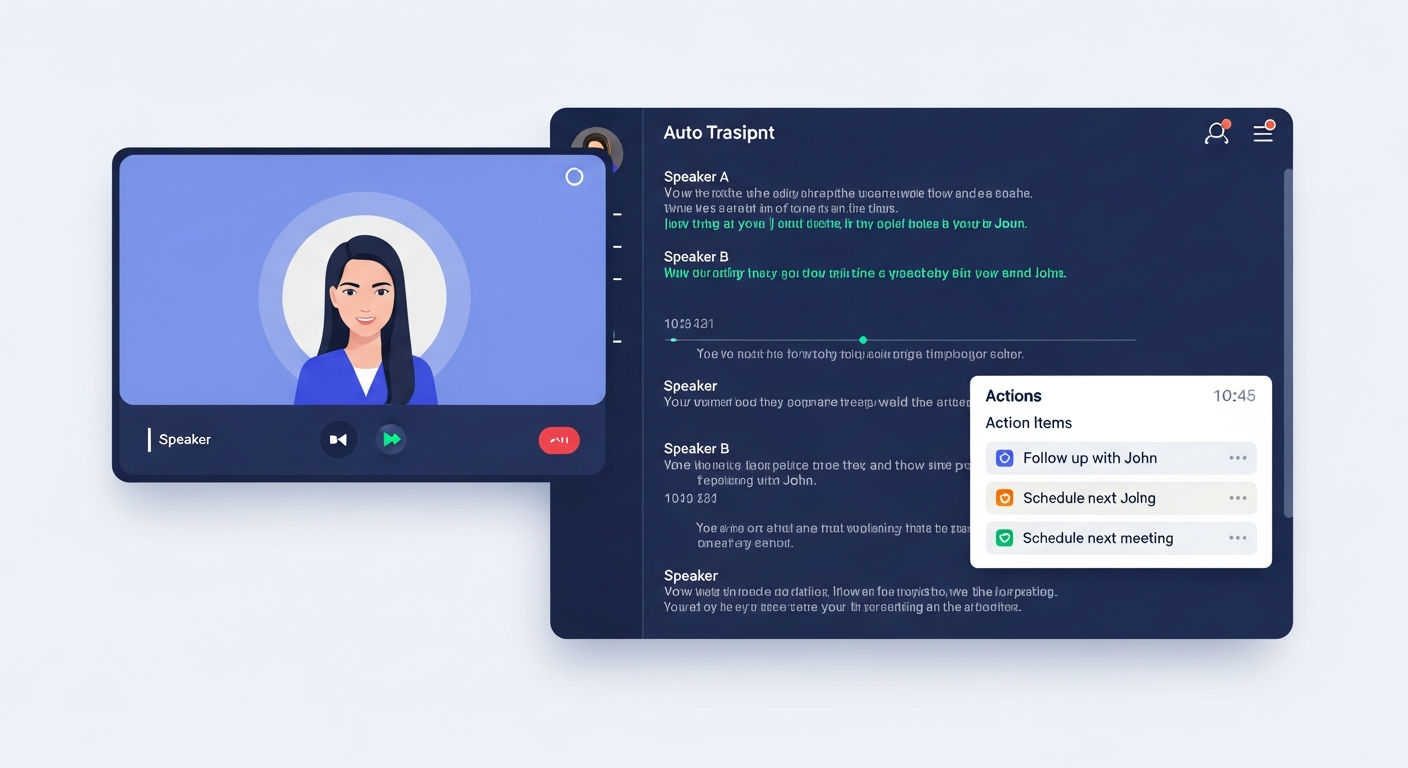
Otter's real-time transcription is genuinely impressive. Words appear on screen with roughly 1–2 second latency during live meetings, and accuracy on clear English speech consistently reaches 93–96%. Speaker identification works well once Otter has learned the voices of regular participants. The live transcript is scrollable and searchable during the meeting itself, which is useful for jumping back to a specific point without interrupting the flow.
Meeting Platform Integrations
Otter's native integrations with Zoom, Google Meet, and Microsoft Teams are its most practical feature for business users. Once set up, Otter automatically joins scheduled meetings, transcribes them, and sends a summary email to all participants when the call ends — with no manual action required. This 'set it and forget it' approach means you can focus fully on the conversation knowing the notes are being handled automatically.
AI Summary and Action Item Extraction
After each recorded conversation, Otter generates a concise AI summary and pulls out highlighted action items mentioned during the discussion. The quality of these summaries has improved significantly in recent versions — they're often genuinely useful starting points for post-meeting follow-up rather than generic sentence mashups. Integration with tools like Salesforce and HubSpot (on Business plans) allows action items to sync directly into CRM deal records.
Pricing and Monthly Limits
Otter's free plan includes 600 minutes of transcription per month with a 40-minute limit per session — sufficient for occasional use. The Pro plan at $16.99/month increases this to 6,000 minutes monthly with 4-hour session limits and adds advanced search and export options. Heavy users who transcribe multiple long meetings daily will find even the Pro limits constraining, making the Business plan at $30/month the right choice for enterprise deployment.
Money-Saving Tip
Otter for Podcast and Content Creators
While Otter was designed for meetings, content creators use it effectively for transcribing podcast episodes and video interviews for repurposing as blog posts. The export options include plain text, SRT subtitles, DOCX, and PDF. However, Otter lacks the editing and audio manipulation capabilities of Descript, so it functions as a transcription-and-export tool rather than an end-to-end production workflow. For podcast editors who want to edit audio via transcript, Descript remains more appropriate.
Who Uses Otter.ai?
- Business professionals documenting meetings and action items automatically
- Journalists transcribing recorded interviews for articles
- Researchers conducting qualitative interviews needing searchable transcripts
- Sales teams capturing call notes and importing into CRM systems
- Podcasters generating show notes and blog posts from episode transcripts
Comparing Options?
Alternatives to Consider
Not sure this tool is the right fit? Here are the closest alternatives we've reviewed:
Revolutionary podcast and video editing software that lets you edit audio and video by edi…
Free / $24/mo CreatorProfessional transcription service combining AI accuracy with human review options, plus a…
$0.25/min AI / $1.50/min HumanInsanely accurate AI transcription and subtitling tool that supports 90+ languages and spe…
$15.00/moFinal Verdict
Otter.ai is the best automatic transcription tool for professionals who need real-time meeting transcription with smart summaries and action item extraction. Its Zoom and Google Meet integrations make it nearly invisible to set up. For creators producing podcast or video content who need editing capabilities alongside transcription, Descript is a better fit.
Frequently Asked Questions
Common questions about this software and category.
Related Reading
Otter.ai
AI-powered transcription and note-taking assistant that automatically transcribes meetings, intervie…
- Real-time transcription with impressive accuracy
- Automatic meeting summaries and action items
- Integrates with Zoom, Google Meet, and Teams
Affiliate link — we may earn a commission at no extra cost to you.