Descript Review 2026: Revolutionary Text-Based Podcast and Video Editing
Descript is the only tool in this guide that fundamentally reimagines what editing audio and video means. Instead of scrubbing a waveform or timeline, you edit the text transcript — and the audio or video follows. Delete a sentence from the script, and the corresponding audio is removed from your recording. It's a concept that sounds simple but has profound implications for editing speed.

Why Trust This Review?
Our editorial team independently tests and evaluates every tool we recommend. We are not paid by software companies to write positive reviews. When you buy through our affiliate links, we may earn a commission — this never influences our ratings or recommendations. Read our editorial policy →
Related Guides & Category
Descript is one of the most genuinely innovative tools in the creator software space. Text-based editing is a productivity revelation once you adapt to the paradigm. If you produce regular podcast or talking-head video content, the time savings on editing alone justify the subscription cost.
Best For
Podcasters and video creators who want to speed up editing by treating their recording like a word document
Key Features Overview
What We Like
- ✓ Text-based audio/video editing is a genuine workflow revolution
- ✓ Overdub AI voice clone for fixing mistakes
- ✓ Studio Sound AI noise removal is exceptional
- ✓ Automatic filler word removal
Room to Improve
- ✗ Different editing paradigm requires adjustment
- ✗ Project files grow large fast
- ✗ Best features need Creator plan or above
Compare Alternatives & Learn More
Text-Based Editing: What It Actually Feels Like
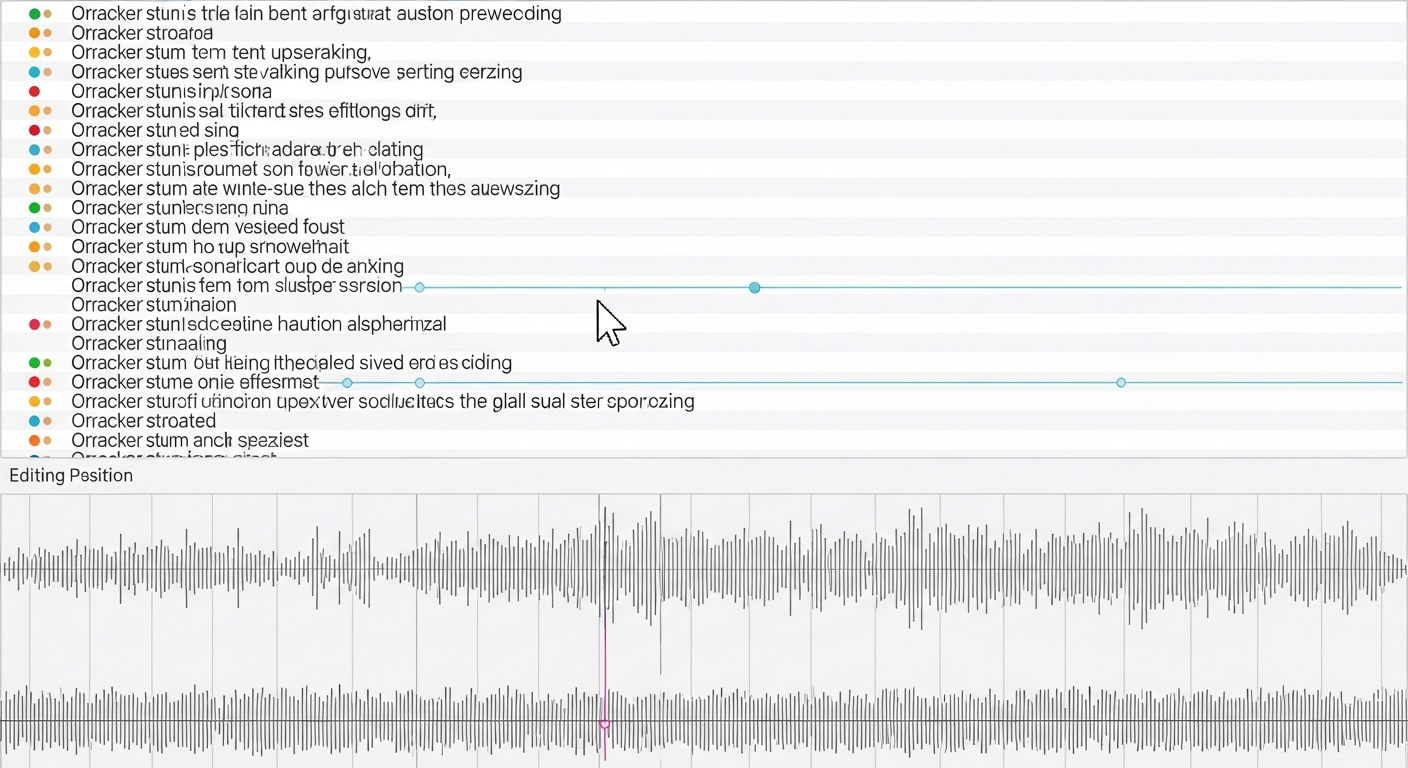
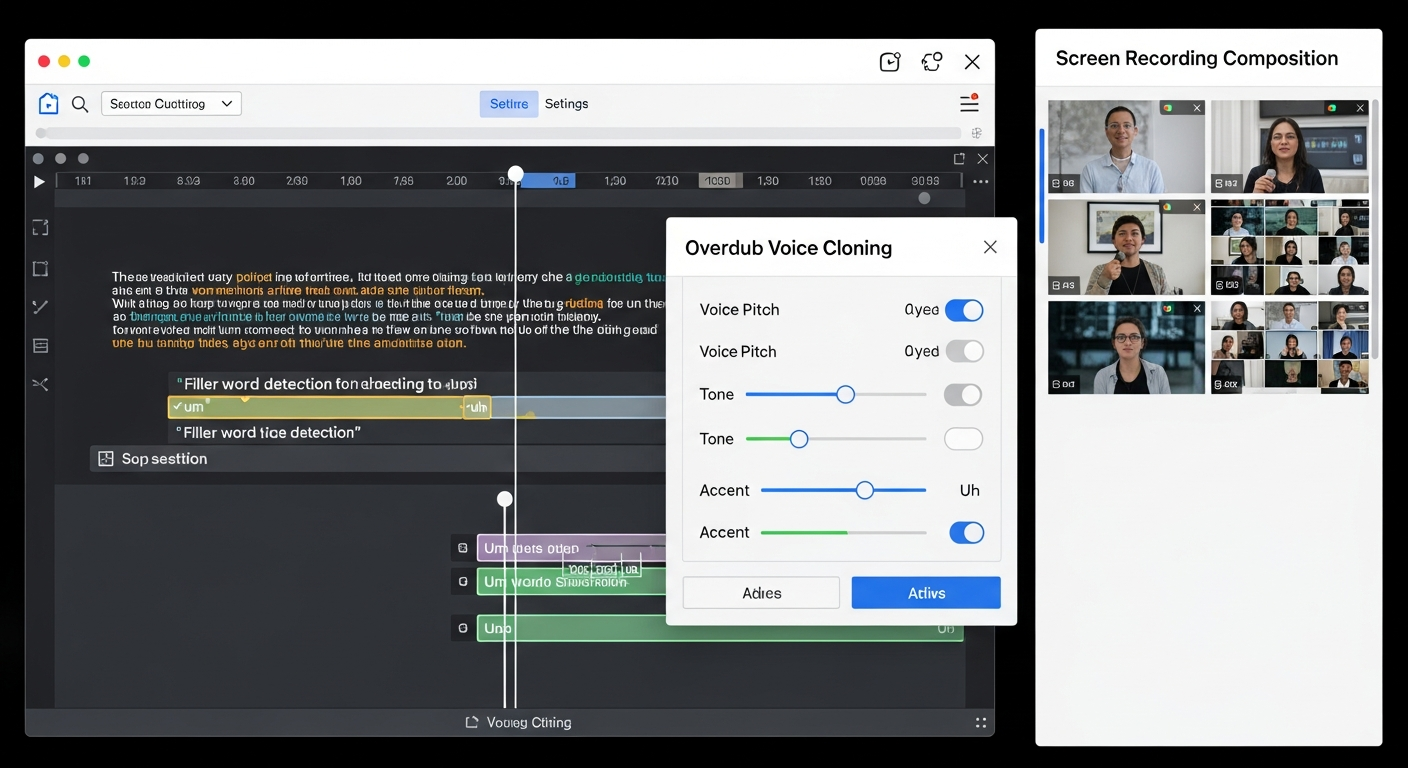
After transcription (which takes roughly 1 minute per 10 minutes of audio), you see your recording as a document. Words are highlighted as they play. To cut a section, you select the text and hit delete — exactly like editing a document. Filler words ('um', 'uh', 'like') can be removed across the entire recording with a single checkbox. For interview-style content where you want to reorder topics, simply cut and paste paragraphs. Editors who adopt text-based editing consistently report 40–60% reduction in editing time.
Studio Sound: AI Noise Removal
Descript's Studio Sound AI filter is a standout feature. Applied with one click, it removes background noise, room reverb, and ambient sound from recordings made on consumer microphones in non-treated rooms. In testing on recordings made with a $50 USB microphone in a home office, Studio Sound produced results comparable to a professionally treated recording space. This democratizes audio quality for creators who can't afford acoustic treatment.
Overdub: AI Voice Cloning for Corrections
Overdub lets you train an AI model on your voice, then type corrections that are synthesized in your voice. Made a stumble mid-sentence that you didn't catch on the day? Type the corrected sentence and Overdub generates it in a voice model that matches yours. The quality has improved significantly and is convincing enough for spoken-word content where subtle voice variations are acceptable. It's a productivity tool, not a deep fake — corrections are limited to your own voice.
Pricing: Is the Creator Plan Worth It?
Descript's free plan allows 1 hour of transcription per month — enough to evaluate the tool but not for regular production. The Creator plan at $24/month includes unlimited transcription, Overdub, Studio Sound, and the full editing suite. The Business plan at $40/month adds enhanced AI features and team collaboration. For podcast producers publishing weekly content, the Creator plan is the practical entry point and represents strong value given the transcription tool cost alone.
Money-Saving Tip
When Descript May Not Be Ideal
Descript's text-based paradigm has a genuine learning curve — editors who are deeply accustomed to timeline-based editing will feel disoriented initially. Multi-cam video editing, complex visual effects, and color grading are not Descript's strengths. It's best suited for podcast editing, interview-style talking head video, and any content where the primary edit is of spoken language. Visual narrative filmmakers will find its video capabilities too limited.
Who Uses Descript?
- Podcasters who want to cut editing time from hours to minutes
- YouTubers producing interview and talking-head content
- Corporate video teams creating training and internal communications
- Journalists editing recorded interviews into publishable audio
- Course creators cleaning up recorded lectures and webinars
Comparing Options?
Alternatives to Consider
Not sure this tool is the right fit? Here are the closest alternatives we've reviewed:
AI-powered transcription and note-taking assistant that automatically transcribes meetings…
Free / $16.99/mo ProProfessional remote podcast and video recording studio that records each participant local…
Free / $19/mo StandardAI-powered browser-based podcast recording and editing tool that automatically enhances sp…
Free with Adobe account / Included in Creative CloudFinal Verdict
Descript is one of the most genuinely innovative tools in the creator software space. Text-based editing is a productivity revelation once you adapt to the paradigm. If you produce regular podcast or talking-head video content, the time savings on editing alone justify the subscription cost.
Frequently Asked Questions
Common questions about this software and category.
Related Reading
Descript
Revolutionary podcast and video editing software that lets you edit audio and video by editing the t…
- Text-based audio/video editing is a genuine workflow revolution
- Overdub AI voice clone for fixing mistakes
- Studio Sound AI noise removal is exceptional
Affiliate link — we may earn a commission at no extra cost to you.