pCloud Review 2026: Best Cloud Storage with Lifetime Plan for Creators?
pCloud is a European cloud storage provider founded in 2013 that differentiates itself primarily through its lifetime payment option and its strong emphasis on file security. For creators building large media archives, the ability to avoid ongoing subscription fees while maintaining professional storage capabilities is compelling.

Why Trust This Review?
Our editorial team independently tests and evaluates every tool we recommend. We are not paid by software companies to write positive reviews. When you buy through our affiliate links, we may earn a commission — this never influences our ratings or recommendations. Read our editorial policy →
Related Guides & Category
pCloud's lifetime plan is its defining feature — paying once for 2TB of storage is significantly more cost-effective than Dropbox or Google One over a 5+ year horizon. The security credentials and media playback capabilities make it particularly well-suited for creators with large video libraries.
Best For
Creators who want secure cloud storage with lifetime plan options to avoid ongoing subscription costs
Key Features Overview
What We Like
- ✓ Lifetime payment option is cost-effective long-term
- ✓ Optional client-side encryption (Crypto add-on)
- ✓ Desktop drive integration is smooth
- ✓ Built-in media player for video preview
Room to Improve
- ✗ Fewer third-party integrations than Dropbox
- ✗ End-to-end encryption costs extra
- ✗ European servers only for privacy plan
Compare Alternatives & Learn More
The Lifetime Plan: A Genuine Cost Advantage
pCloud's lifetime plans — 500GB for $199 or 2TB for $399 at current pricing — break even against Google One's 2TB plan ($9.99/month) in approximately 3.5 years. For creators who plan to maintain a media archive for 5+ years, the lifetime plan represents substantial savings over subscription alternatives. The value proposition is straightforward: pay once, stop thinking about storage costs indefinitely. The plan genuinely includes all updates and feature additions with no additional fees.
Security and pCloud Crypto
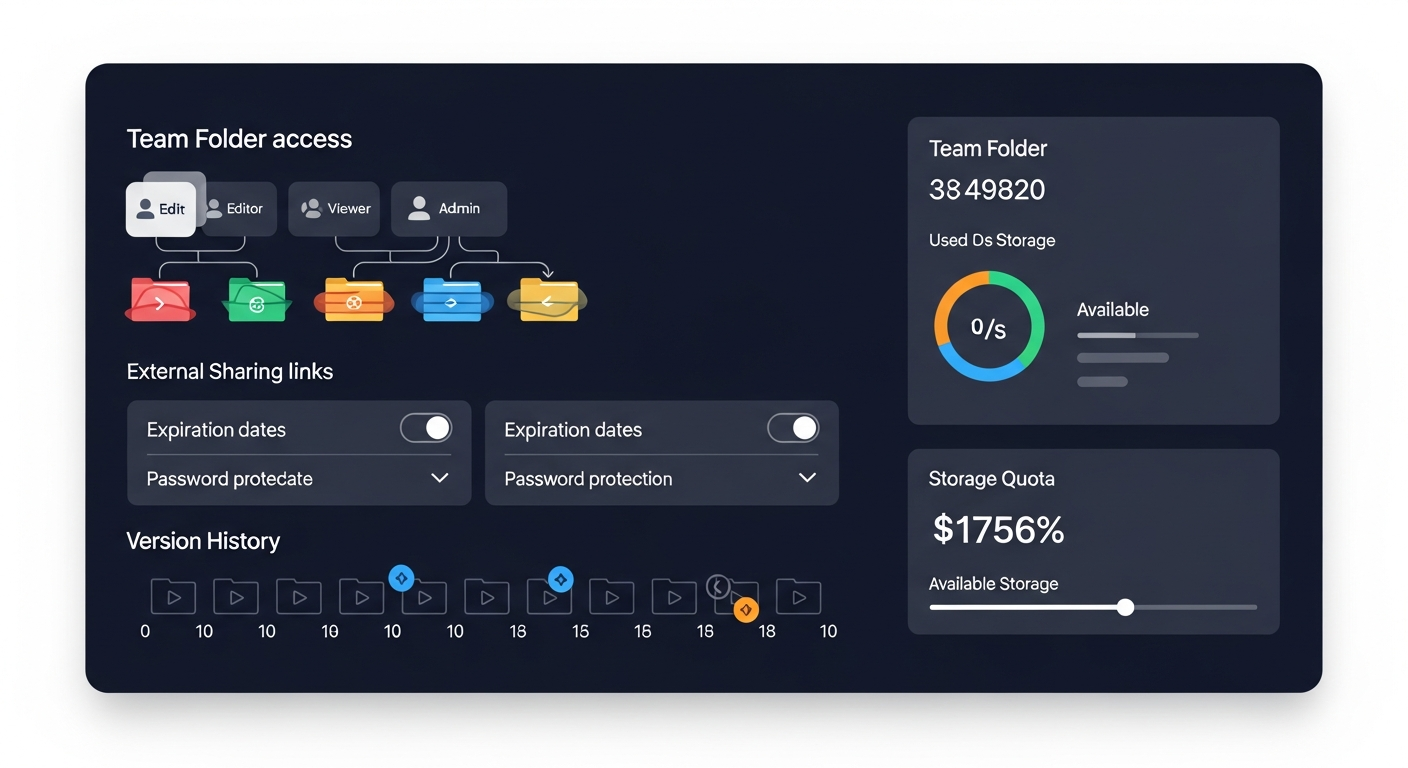
pCloud stores files on encrypted servers in US and European data centers. For creators with sensitive client work, the pCloud Crypto add-on ($4.99/month or lifetime for $125) enables client-side zero-knowledge encryption — meaning pCloud's own servers cannot read your files. This level of privacy is rare among mainstream storage providers and makes pCloud a legitimate option for professionals handling confidential media. Standard pCloud storage (without Crypto) uses server-side encryption, which is adequate for most personal use cases.
Media Playback and Preview
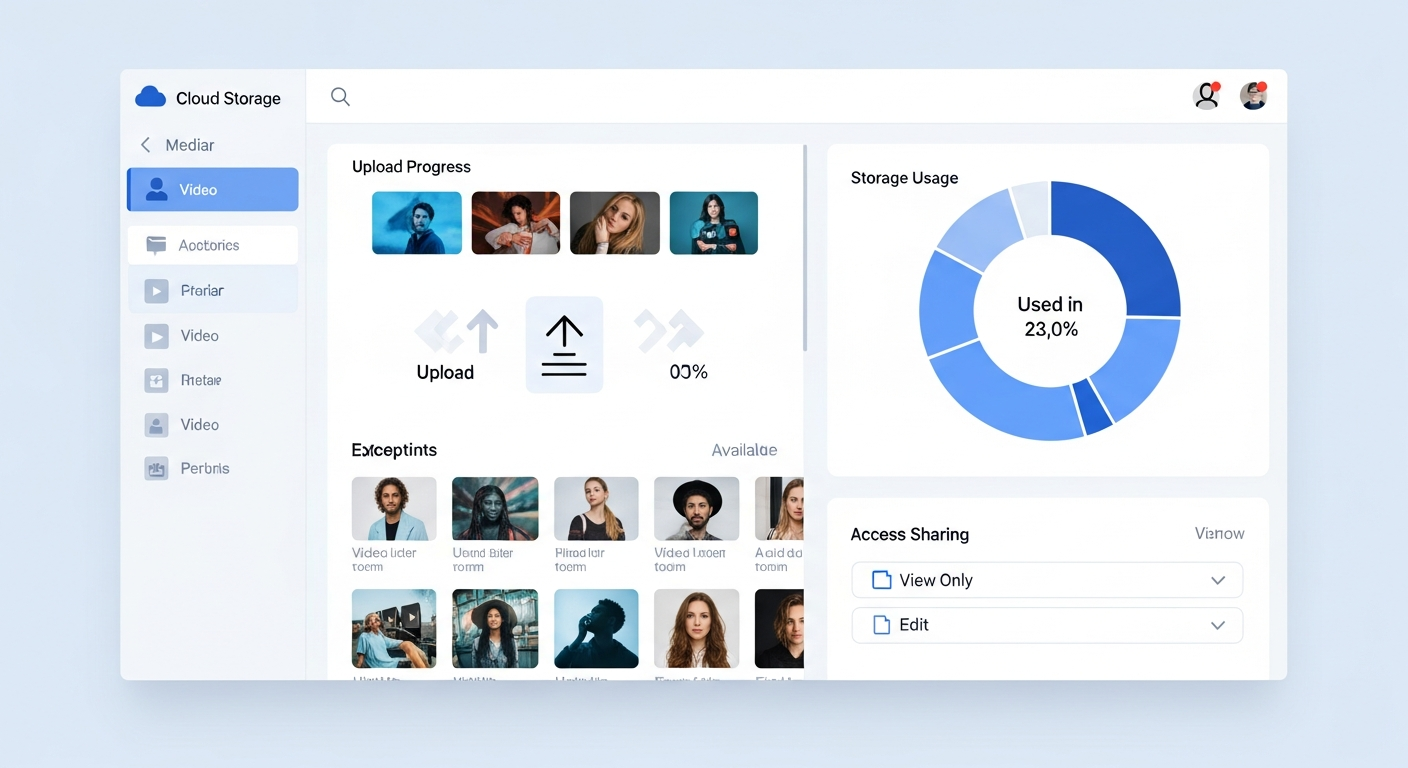
pCloud includes a built-in media player that handles most common video formats without requiring download. This makes it practical as a rough-cut preview and delivery system — share a pCloud folder link with a client and they can preview video files directly in the browser without downloading potentially large files. Audio playback is also included, which makes pCloud usable as a simple music streaming library for personal use.
Desktop and Mobile Apps
The pCloud Drive desktop app creates a virtual drive on your computer that accesses files from the cloud without consuming local disk space — similar to Dropbox Smart Sync. Selective sync lets you choose which folders to keep locally versus cloud-only. Mobile apps for iOS and Android include offline access for selected files. The sync reliability is excellent — in testing, pCloud matched Dropbox's consistency on reliable internet connections.
Limitations Compared to Google Drive and Dropbox
pCloud's weaker areas are integrations and collaboration. Third-party app connections are limited compared to Dropbox's mature ecosystem. Real-time collaborative document editing (a Dropbox Paper or Google Docs strength) is absent — pCloud is a file storage and sharing platform, not a productivity suite. For teams who rely on collaborative document workflows, pCloud works best as a complementary storage layer alongside Google Workspace or Microsoft 365.
Who Uses pCloud?
- Videographers archiving large raw footage libraries affordably
- Freelance video editors sharing final deliverables with clients
- Podcast producers backing up episode archives and project files
- Photographers building long-term photo and video portfolios
- Privacy-conscious creators wanting zero-knowledge encryption
Comparing Options?
Alternatives to Consider
Not sure this tool is the right fit? Here are the closest alternatives we've reviewed:
Industry-standard cloud storage and file sync platform known for its reliability, broad in…
Free 2GB / $11.99/mo Plus 2TBGoogle's cloud storage platform giving creators 15GB free with deep integration into Docs,…
Free 15GB / $2.99/mo 100GB / $9.99/mo 2TBFinal Verdict
pCloud's lifetime plan is its defining feature — paying once for 2TB of storage is significantly more cost-effective than Dropbox or Google One over a 5+ year horizon. The security credentials and media playback capabilities make it particularly well-suited for creators with large video libraries.
Frequently Asked Questions
Common questions about this software and category.
Related Reading
pCloud
European cloud storage service offering lifetime payment plans and optional client-side encryption f…
- Lifetime payment option is cost-effective long-term
- Optional client-side encryption (Crypto add-on)
- Desktop drive integration is smooth
Affiliate link — we may earn a commission at no extra cost to you.