Dropbox Review 2026: Still the Best Cloud Storage for Professional Teams?
Dropbox pioneered cloud file sync in 2007 and has maintained its position as the industry standard for reliable, seamless file synchronization. While competitors have largely caught up on raw storage value, Dropbox's ecosystem maturity, third-party integrations, and rock-solid reliability remain compelling for professional users.

Why Trust This Review?
Our editorial team independently tests and evaluates every tool we recommend. We are not paid by software companies to write positive reviews. When you buy through our affiliate links, we may earn a commission — this never influences our ratings or recommendations. Read our editorial policy →
Related Guides & Category
Dropbox remains the most reliable and integration-rich cloud storage platform for professional teams and freelancers. The free tier is frustratingly small, and competitors offer more storage per dollar, but Dropbox's sync reliability, ecosystem integrations, and polished apps justify the premium for professional workflows that depend on file access.
Best For
Teams and professionals who need rock-solid sync, version history, and seamless third-party app integrations
Key Features Overview
What We Like
- ✓ Most reliable file sync in the industry
- ✓ Excellent desktop and mobile apps
- ✓ 180-day version history on higher plans
- ✓ Wide third-party integration ecosystem
Room to Improve
- ✗ Free tier only gives 2GB — very limited
- ✗ More expensive than Google Drive for equivalent storage
- ✗ Advanced sharing features require paid plans
Compare Alternatives & Learn More
Sync Reliability: Dropbox's Core Strength
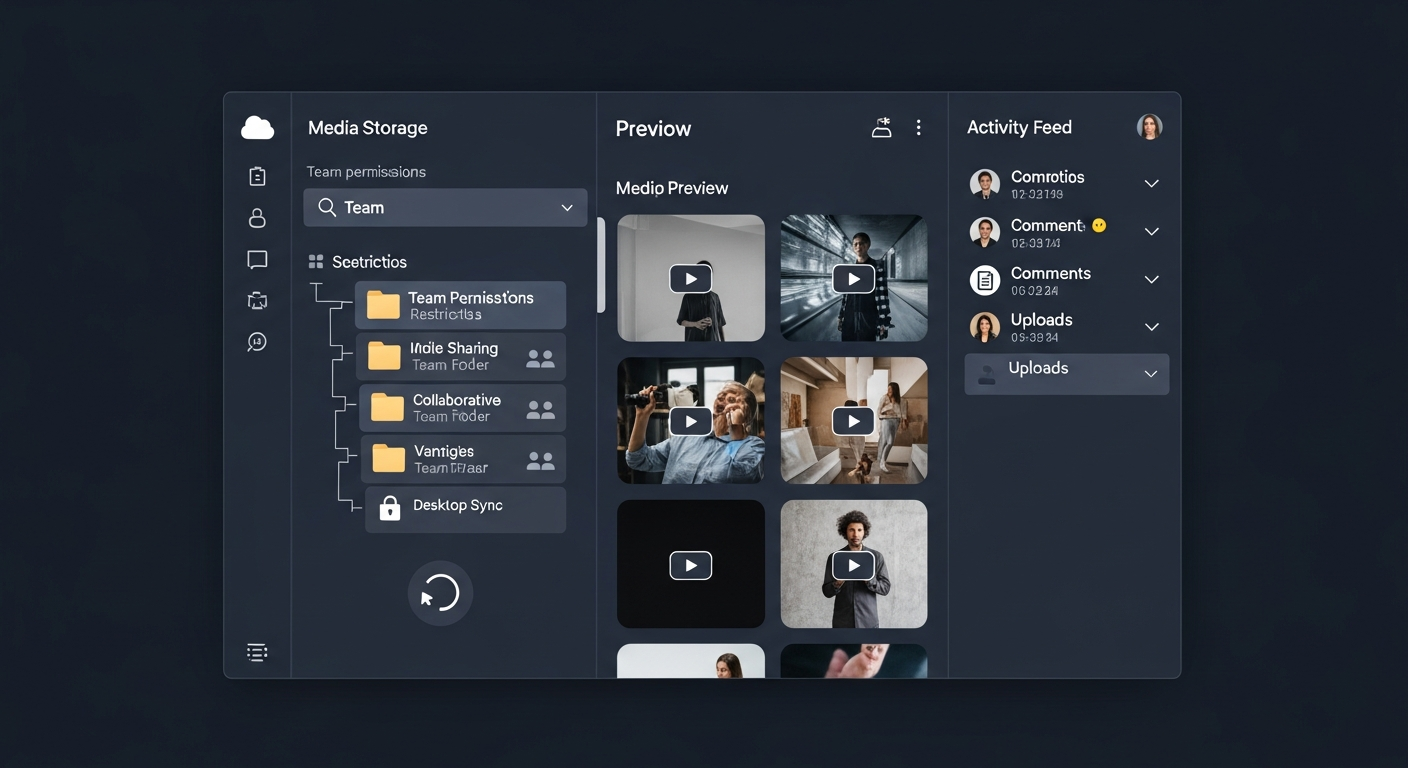
Dropbox's sync engine is widely considered the most reliable in the industry. Files sync near-instantly when a connection is available, block-level sync minimizes data transfer for large file modifications, and the LAN sync feature transfers files between local devices without using internet bandwidth. In years of user reports, Dropbox's conflict handling and consistency guarantees are better than most alternatives. For professionals whose work depends on files being exactly where they expect them, this reliability has real value.
Smart Sync and Selective Sync
Dropbox Smart Sync shows all cloud files in your desktop file system without downloading them locally — only the files you open are downloaded on demand. For users with limited SSD storage and large Dropbox libraries, this means you can reference a 2TB Dropbox library from a laptop with a 256GB drive. Selective sync allows more granular control, keeping specified folders online-only or locally cached based on usage frequency.
Third-Party Integration Ecosystem
Dropbox's integration with over 300,000 third-party apps is its most significant competitive moat. Direct integrations with Slack, Zoom, Google Workspace, Microsoft 365, Figma, Notion, and many creator tools mean Dropbox functions as a universal attachment layer in complex professional workflows. For teams whose production pipeline involves multiple tools, Dropbox is often the common file layer that everything else connects to.
Version History and File Recovery
Dropbox Plus includes 180-day version history, allowing you to restore any file to any previous state within that window. This is genuinely useful when project files get corrupted or accidentally overwritten — a more common occurrence than most creators anticipate. The Professional plan extends version history to 1 year. For mission-critical client work, version history is an important safety net that cheaper storage alternatives often don't offer at this depth.
Pricing: The Value Question
Dropbox's free tier provides only 2GB — one of the smallest free tiers among mainstream cloud storage providers. The Plus plan at $11.99/month provides 2TB, which is competitive with Google One's 2TB at $9.99/month but more expensive than pCloud's lifetime option. For long-term individual creators, pCloud's lifetime plan is more cost-effective. For teams and businesses who need the integration ecosystem and reliability guarantees, Dropbox Business plans are worth evaluating carefully for total cost of ownership.
Money-Saving Tip
Who Uses Dropbox?
- Freelance creative professionals sharing large project files with clients
- Agency teams collaborating on shared file libraries across locations
- Video editors managing project files and render deliverables
- Remote teams requiring consistent, reliable cross-device file access
- Professionals using Dropbox as the file backbone of multi-tool workflows
Comparing Options?
Alternatives to Consider
Not sure this tool is the right fit? Here are the closest alternatives we've reviewed:
Google's cloud storage platform giving creators 15GB free with deep integration into Docs,…
Free 15GB / $2.99/mo 100GB / $9.99/mo 2TBEuropean cloud storage service offering lifetime payment plans and optional client-side en…
Free 10GB / $49.99/yr Premium 500GB / Lifetime from $199Final Verdict
Dropbox remains the most reliable and integration-rich cloud storage platform for professional teams and freelancers. The free tier is frustratingly small, and competitors offer more storage per dollar, but Dropbox's sync reliability, ecosystem integrations, and polished apps justify the premium for professional workflows that depend on file access.
Frequently Asked Questions
Common questions about this software and category.
Related Reading
Dropbox
Industry-standard cloud storage and file sync platform known for its reliability, broad integrations…
- Most reliable file sync in the industry
- Excellent desktop and mobile apps
- 180-day version history on higher plans
Affiliate link — we may earn a commission at no extra cost to you.