ScreenPal Review 2026: The Most Affordable Screen Recorder for Educators?
ScreenPal (formerly Screencast-O-Matic) has been a trusted name in screen recording since 2006. Today it serves educators, trainers, and tutorial creators with an affordable, no-fuss recording solution that includes basic editing and cloud hosting.

Why Trust This Review?
Our editorial team independently tests and evaluates every tool we recommend. We are not paid by software companies to write positive reviews. When you buy through our affiliate links, we may earn a commission — this never influences our ratings or recommendations. Read our editorial policy →
Related Guides & Category
ScreenPal earns its place as the go-to screen recorder for budget-conscious educators and trainers. At $4/month for the Deluxe plan, it offers excellent value. Power users needing advanced editing or higher quality output should look at Loom or Riverside.
Best For
Educators, trainers, and tutorial creators who need basic recording and hosting on a budget
Key Features Overview
What We Like
- ✓ Extremely affordable paid plans
- ✓ Simple and fast to set up
- ✓ Cloud hosting included with subscription
- ✓ Basic editor built in
Room to Improve
- ✗ Watermark on free tier
- ✗ 5-minute recording limit on free
- ✗ Advanced features locked behind paywall
Compare Alternatives & Learn More
Core Recording Capabilities
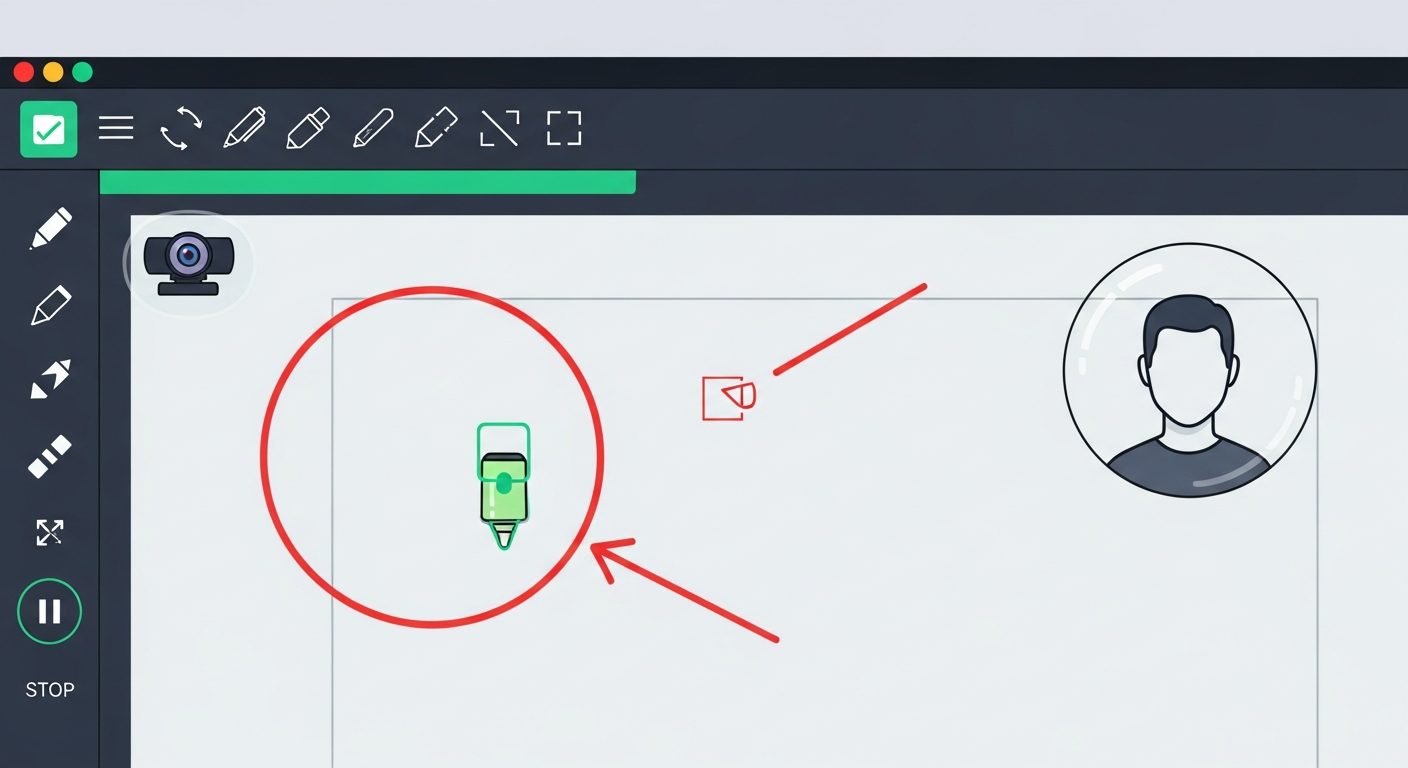
ScreenPal records your screen, webcam, or both simultaneously with picture-in-picture support. Recording quality reaches 1080p on paid plans. The launcher is lightweight and opens quickly, with a simple region selector that lets you capture full screen, a specific window, or a custom region. Audio capture supports both system audio and microphone with the option to record them as separate tracks on the Deluxe plan.
Built-In Video Editor
ScreenPal includes a basic video editor for trimming clips, adding zoom-and-pan effects, inserting callouts and captions, and overlaying images. It's not a professional editor, but it's sufficient for cleaning up a tutorial or adding chapter markers. The captions feature generates automatic subtitles, though accuracy varies and manual correction is usually needed.
Cloud Hosting and Sharing
A genuine advantage of ScreenPal over pure-recording tools is its built-in hosting. Record and upload directly to ScreenPal hosting to get a shareable link without needing YouTube or Vimeo. Videos can be password-protected, embedded, and organized into channels. The free hosting tier is included on all plans. For educators distributing content to students, this integrated hosting simplifies the workflow significantly.
Pricing: Outstanding Value for the Features
ScreenPal's Deluxe plan at $4/month is one of the most affordable paid screen recording options available. It removes the watermark, extends recording time to unlimited, and unlocks basic editing features. The Premium plan at $6/month adds advanced editing, custom branding, and more storage. Compared to Loom's $12.50/month, ScreenPal represents significant savings if you don't need Loom's async communication features.
Money-Saving Tip
Limitations for Professional Creators
ScreenPal is straightforward — which is both its strength and its weakness. Advanced creators will miss features like hotkey customization, hardware encoding for better performance, webcam green screen, or integrated noise cancellation. Recording quality caps at 1080p with no 4K option. For tutorial creators who need more polished output, Loom's AI summaries and cleaner interface may justify the higher cost.
Who Uses ScreenPal?
- Teachers creating video lessons and distributing via LMS
- Corporate trainers producing onboarding and compliance content
- Tutorial creators documenting software workflows
- Freelancers delivering video feedback to clients
- Non-profit organizations creating budget-friendly educational content
Comparing Options?
Alternatives to Consider
Not sure this tool is the right fit? Here are the closest alternatives we've reviewed:
Video messaging tool for async communication that lets you record and instantly share scre…
Free / $12.50/mo BusinessHigh-quality screen recording and streaming software with isolated audio tracks and virtua…
$49.99 LifetimeProfessional remote podcast and video recording studio that records each participant local…
Free / $19/mo StandardFinal Verdict
ScreenPal earns its place as the go-to screen recorder for budget-conscious educators and trainers. At $4/month for the Deluxe plan, it offers excellent value. Power users needing advanced editing or higher quality output should look at Loom or Riverside.
Frequently Asked Questions
Common questions about this software and category.
Related Reading
ScreenPal
Affordable screen recording and video editing solution designed for educators, trainers, and tutoria…
- Extremely affordable paid plans
- Simple and fast to set up
- Cloud hosting included with subscription
Affiliate link — we may earn a commission at no extra cost to you.