Wondershare UniConverter Review 2026: Best All-in-One Video Converter?
Wondershare UniConverter is a desktop video conversion suite that goes well beyond simple format conversion. It bundles a DVD burner, screen recorder, video compressor, downloader, and basic editor alongside its core conversion engine — positioning it as an all-in-one media toolkit for creators and professionals.

Why Trust This Review?
Our editorial team independently tests and evaluates every tool we recommend. We are not paid by software companies to write positive reviews. When you buy through our affiliate links, we may earn a commission — this never influences our ratings or recommendations. Read our editorial policy →
Related Guides & Category
Wondershare UniConverter is the most feature-rich paid video converter available, with genuinely useful bonus tools beyond conversion. The annual pricing is reasonable for the breadth of capabilities. Creators who need reliable batch conversion of large video libraries will find it a worthwhile investment.
Best For
Content creators and businesses needing a reliable all-in-one desktop converter with compression and editing tools
Key Features Overview
What We Like
- ✓ Converts 1000+ video, audio, and image formats
- ✓ GPU-accelerated batch conversion is fast
- ✓ Built-in video compressor, editor, and downloader
- ✓ DVD burning and screen recording included
Room to Improve
- ✗ Subscription model for latest features
- ✗ Can feel bloated with tools you won't use
- ✗ Interface has many menus to navigate
Compare Alternatives & Learn More
Format Support: 1000+ Conversions
UniConverter's headline spec of 1000+ supported formats covers every mainstream and legacy video, audio, and image format you're likely to encounter. Practically, this means converting MKV to MP4 for YouTube, MOV to MP3 for podcast audio extraction, or HEVC to H.264 for compatibility with older editing software all work flawlessly. Preset profiles for specific devices (iPhone, Apple TV, Android, PlayStation) take the guesswork out of targeting specific output requirements.
GPU-Accelerated Batch Conversion Speed
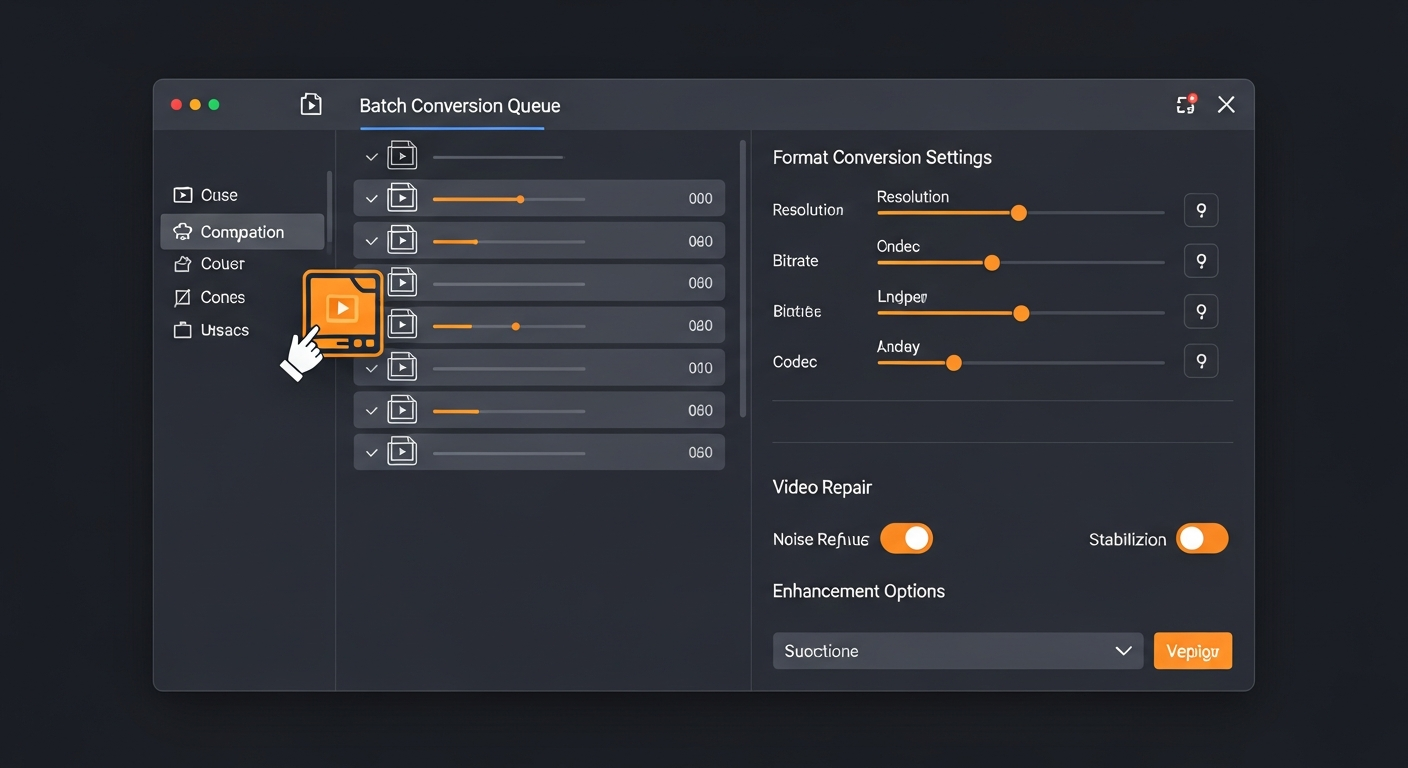
UniConverter's GPU acceleration using NVIDIA NVENC, AMD VCE, and Intel Quick Sync significantly reduces conversion times compared to CPU-only processing. In testing, converting a 60-minute 4K MOV file to 1080p MP4 took approximately 8 minutes with GPU acceleration versus 35+ minutes on CPU-only mode on the same machine. Batch queues can run hundreds of files automatically, making library conversions practical overnight.
Video Compressor Tool
The integrated video compressor lets you reduce file sizes while targeting a specific output file size or quality level — useful for sending files over email, meeting platform upload limits, or reducing storage requirements. Unlike command-line tools, UniConverter's compressor provides a visual preview of the quality/size trade-off before committing. The quality is competitive with HandBrake's manual settings but requires less technical knowledge.
Pricing and Annual Subscription Model
UniConverter's Individual plan at $29.99/year is competitive for a fully-featured desktop toolkit. A quarterly plan at $19.99 is available for creators with short-term project needs. The Business plan covers up to 5 PCs. Wondershare also offers lifetime licenses periodically at a significantly higher price. Compared to the cost of standalone tools for conversion, compression, and screen recording, the bundled price represents solid value.
Money-Saving Tip
Limitations and Alternatives for Tech-Savvy Users
UniConverter's comprehensive feature set comes with interface complexity — there are many menu items, tabs, and settings panels that beginners may find overwhelming. Some features like the built-in downloader have been controversial due to copyright concerns if misused. For users who need only format conversion and are comfortable with a technical interface, HandBrake provides equivalent encoding quality at no cost. UniConverter's value is in its breadth and the time it saves non-technical users.
Who Uses Wondershare UniConverter?
- Video editors converting client footage between editing-friendly formats
- YouTubers compressing finished videos to meet platform file size guidelines
- Archivists converting legacy DVD and VHS digitizations to modern formats
- Businesses preparing video for specific device or platform delivery
- Creators extracting audio from video files for podcast or music projects
Comparing Options?
Alternatives to Consider
Not sure this tool is the right fit? Here are the closest alternatives we've reviewed:
Free open-source video transcoder with powerful H.264/H.265 encoding that gives technical …
Free (Open Source)Free AI-powered video editor from ByteDance optimized for short-form content with trending…
Free / $7.99/mo ProCloud-based collaborative video editor that renders in the cloud, making high-quality edit…
$10/mo CreatorFinal Verdict
Wondershare UniConverter is the most feature-rich paid video converter available, with genuinely useful bonus tools beyond conversion. The annual pricing is reasonable for the breadth of capabilities. Creators who need reliable batch conversion of large video libraries will find it a worthwhile investment.
Frequently Asked Questions
Common questions about this software and category.
Related Reading
Wondershare UniConverter
Feature-rich desktop video converter and toolkit supporting 1000+ formats with GPU-accelerated batch…
- Converts 1000+ video, audio, and image formats
- GPU-accelerated batch conversion is fast
- Built-in video compressor, editor, and downloader
Affiliate link — we may earn a commission at no extra cost to you.