Adobe Podcast Review 2026: AI Audio Enhancement That Actually Works
Adobe Podcast is Adobe's answer to the challenge every podcast and video creator faces: bad-sounding audio from budget microphones and non-treated recording spaces. Rather than teaching creators complex audio engineering, Adobe built AI models that handle the hard work automatically — and the results are remarkable.

Why Trust This Review?
Our editorial team independently tests and evaluates every tool we recommend. We are not paid by software companies to write positive reviews. When you buy through our affiliate links, we may earn a commission — this never influences our ratings or recommendations. Read our editorial policy →
Related Guides & Category
Adobe Podcast's Enhance Speech feature is genuinely transformative for creators recording in imperfect acoustic environments. At no extra cost for Adobe account holders, it's one of the highest-value AI tools in the creator stack. Its limitations as a DAW are real, but for speech content, it delivers broadcast-quality results with remarkable simplicity.
Best For
Creators in the Adobe ecosystem who want broadcast-quality audio from any microphone without complex setups
Key Features Overview
What We Like
- ✓ AI Enhance Speech makes cheap mics sound studio-quality
- ✓ Extremely simple interface — no audio expertise needed
- ✓ Works entirely in browser with no download
- ✓ Transcript-based editing included
Room to Improve
- ✗ Designed for voice/speech, not music production
- ✗ Not a full digital audio workstation
- ✗ Some AI features still in active development
Compare Alternatives & Learn More
Enhance Speech: Adobe's Flagship AI Feature
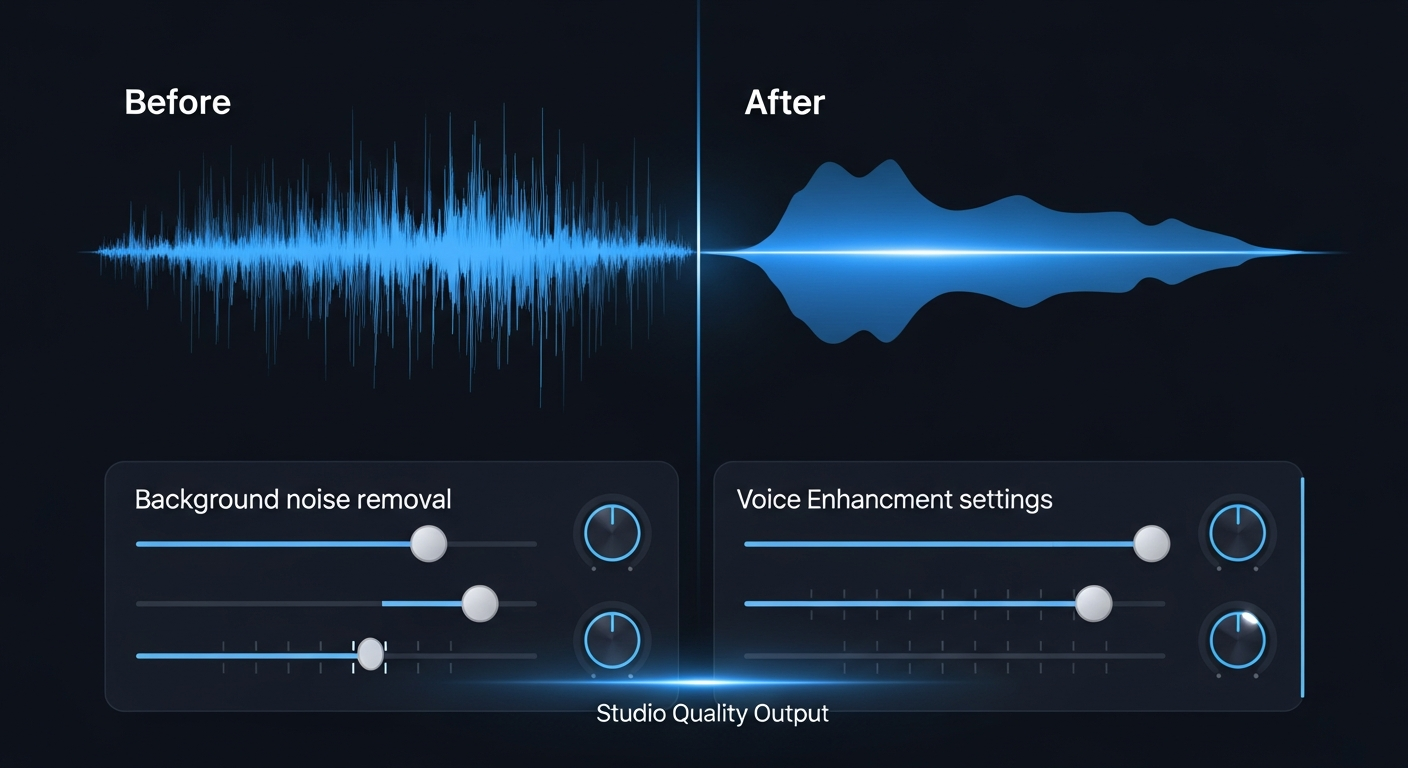
Enhance Speech is the reason most creators try Adobe Podcast. Upload any speech recording — even one made on a laptop microphone in a noisy room — and the AI model removes background noise, tightens the room sound, and sharpens vocal clarity. In blind listening tests, recordings processed through Enhance Speech are consistently rated as more professional-sounding than their unprocessed originals, often dramatically so. The processing takes roughly 1 minute per 10 minutes of audio and happens automatically with no parameters to adjust.
Recording Studio in the Browser
Adobe Podcast includes a browser-based recording interface with real-time enhancement applied during recording. You can hear the processed audio as you record, eliminating the need for a separate post-processing step. Up to two additional remote participants can join a session — useful for simple two-person podcast recordings where pristine lossless multi-track capture (as provided by Riverside) isn't required.
Transcript-Based Editing
Adobe Podcast generates a transcript of your recording and allows you to edit audio by editing the transcript text — conceptually similar to Descript. You can delete filler words, cut sections, and rearrange content by editing words in the document. The implementation is simpler than Descript's, which is appropriate for Adobe Podcast's positioning as a beginner-friendly tool. Full timeline-level precision editing is not available.
Pricing and Adobe Ecosystem
Adobe Podcast is available at no additional cost with any free Adobe account, and full features including Enhance Speech are included in all Creative Cloud subscriptions. This makes it effectively free for the millions of creators already paying for Photoshop, Premiere Pro, or other Adobe tools. As a standalone product without Creative Cloud, Enhance Speech requires a separate subscription that Adobe is still pricing in beta. For most creators, Adobe Podcast is the best-value AI audio tool available given this pricing structure.
Money-Saving Tip
Limitations: What Adobe Podcast Is Not
Adobe Podcast is not a DAW. There are no VST plugin slots, no multi-track mixing board, no EQ or compression curves to manipulate manually. For music production, voice-over work requiring precise breath control editing, or complex podcast productions with multiple tracks and sound effects, Audacity or Hindenburg Journalist are more appropriate. Adobe Podcast is positioned as an accessibility tool that removes the technical barrier to good audio — not a replacement for audio engineering.
Who Uses Adobe Podcast?
- Podcasters recording from home offices who want studio-quality output
- Video creators recording narration or commentary on budget microphones
- Online educators improving lecture audio quality retrospectively
- Adobe Creative Cloud subscribers adding audio enhancement to their toolkit
- Remote interviewers processing guest audio before publishing
Comparing Options?
Alternatives to Consider
Not sure this tool is the right fit? Here are the closest alternatives we've reviewed:
Free open-source multi-track audio editor trusted by podcasters, musicians, and audio crea…
Free (Open Source)Revolutionary podcast and video editing software that lets you edit audio and video by edi…
Free / $24/mo CreatorProfessional remote podcast and video recording studio that records each participant local…
Free / $19/mo StandardFinal Verdict
Adobe Podcast's Enhance Speech feature is genuinely transformative for creators recording in imperfect acoustic environments. At no extra cost for Adobe account holders, it's one of the highest-value AI tools in the creator stack. Its limitations as a DAW are real, but for speech content, it delivers broadcast-quality results with remarkable simplicity.
Frequently Asked Questions
Common questions about this software and category.
Related Reading
Adobe Podcast
AI-powered browser-based podcast recording and editing tool that automatically enhances speech quali…
- AI Enhance Speech makes cheap mics sound studio-quality
- Extremely simple interface — no audio expertise needed
- Works entirely in browser with no download
Affiliate link — we may earn a commission at no extra cost to you.