InVideo Review 2026: Is It the Best AI Video Creator for Marketers?
InVideo is a browser-based AI video creation platform trusted by over 7 million creators and businesses. It positions itself as the fastest way to turn scripts, articles, and ideas into polished social media videos — no editing experience required.

Why Trust This Review?
Our editorial team independently tests and evaluates every tool we recommend. We are not paid by software companies to write positive reviews. When you buy through our affiliate links, we may earn a commission — this never influences our ratings or recommendations. Read our editorial policy →
Related Guides & Category
InVideo is an excellent choice for marketers and social media managers who need to produce branded video content quickly. While it won't replace a professional editor for complex productions, its AI text-to-video feature and vast template library make it a genuine time-saver.
Best For
Marketers, social media managers, and creators who need polished videos fast without learning a complex editor
Key Features Overview
What We Like
- ✓ 5000+ customizable templates
- ✓ AI script-to-video feature
- ✓ No software download required
- ✓ Team collaboration workspaces
Room to Improve
- ✗ Watermark on free plan
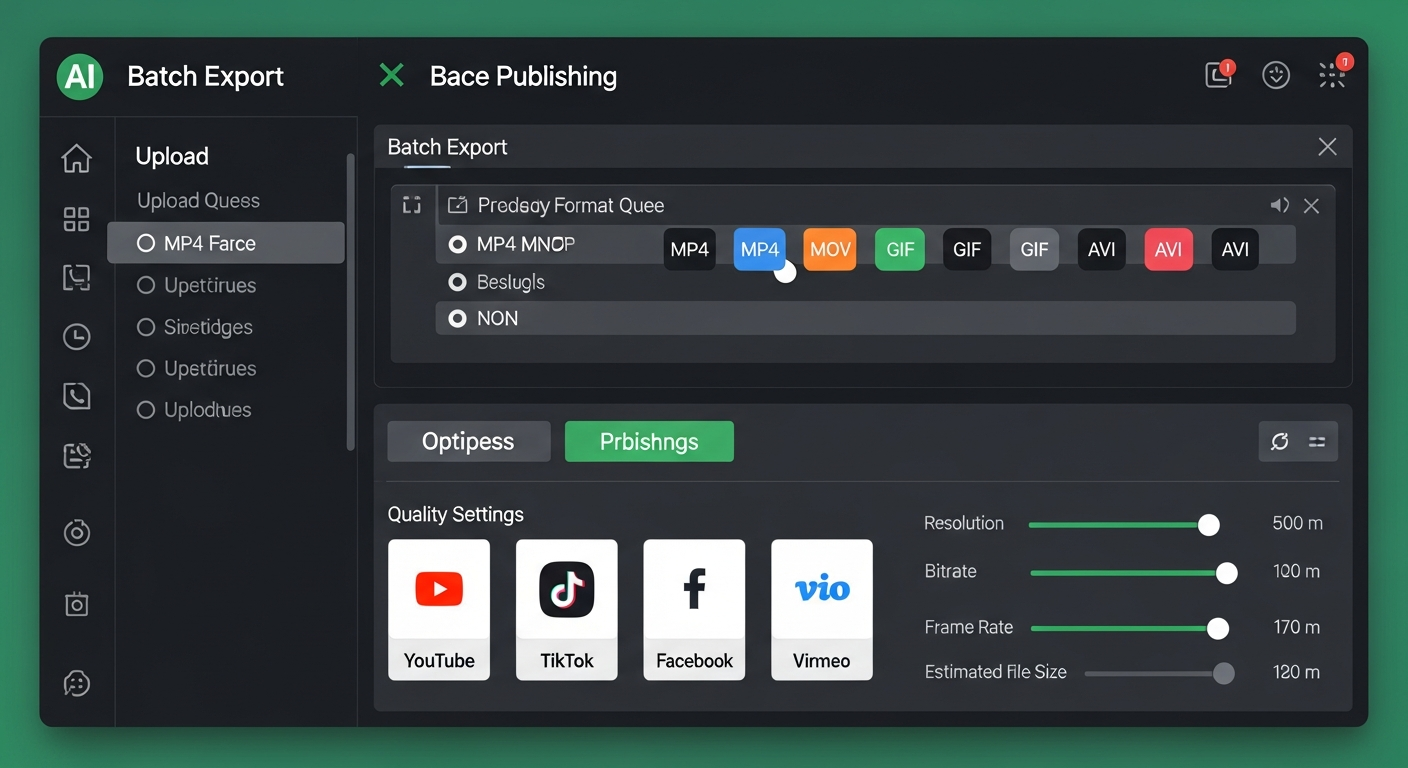
- ✗ Advanced exports require higher tier
- ✗ Export speed varies with server load
Compare Alternatives & Learn More
What Is InVideo?
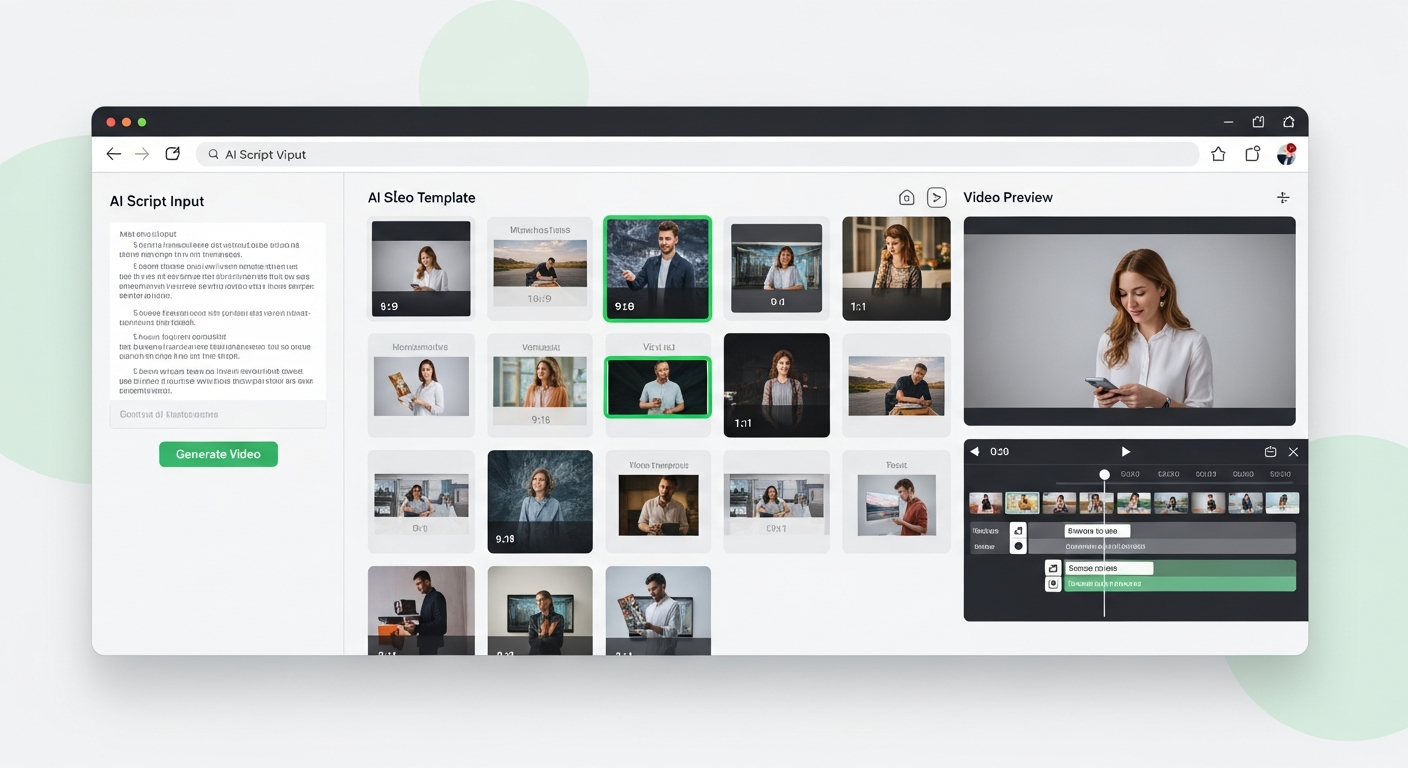
InVideo is a cloud-based video creation tool that combines an AI-powered script-to-video engine with a traditional drag-and-drop timeline editor. It's built primarily for marketers, agencies, and social media teams who need to produce large volumes of video content without hiring a dedicated video editor. The platform runs entirely in your browser, meaning there's nothing to install and your projects are always accessible from any device.
Key Features Breakdown
The standout feature is InVideo's AI text-to-video tool: paste in an article URL or script and it generates a video draft complete with relevant stock footage, voiceover, and subtitles. From there, the template library with over 5,000 customizable designs covers virtually every format including YouTube intros, Instagram Reels, and explainer videos. The team workspace feature lets you invite colleagues, leave comments, and manage brand asset libraries — a genuine differentiator for agencies.
Pricing and Plans
InVideo's free plan allows you to create videos but adds a watermark to all exports — a significant limitation for professional use. The Business plan at $20/month removes watermarks, unlocks all templates, and provides a 60-video monthly export limit. An Unlimited plan is available for teams with higher volume needs. Compared to desktop editors, InVideo's subscription is reasonable given that all rendering happens in the cloud.
Money-Saving Tip
Ease of Use
InVideo scores highly for accessibility. The interface is clean and the AI generation feature means you can have a rough video ready within minutes of signing up. The template-based approach means beginners rarely start with a blank canvas. More advanced users may find the timeline slightly less flexible than desktop editors, but for the target audience of non-technical creators, the experience is genuinely smooth.
Performance and Reliability
As a cloud-based tool, export speed is dependent on server load and your internet connection. During testing, standard 1080p exports for videos under 5 minutes completed in roughly 2–4 minutes. The AI voiceover quality is consistently good, and stock footage integration is seamless. Occasional slowdowns during peak hours are the main reliability concern to be aware of.
Who Should Use InVideo?
InVideo shines for social media managers, marketing agencies, and course creators who need to produce polished videos at scale without a steep learning curve. It's less suitable for narrative film editors, YouTubers with complex multi-cam setups, or anyone needing frame-level color precision. If your workflow is article-to-video or script-to-social-media, InVideo delivers excellent results efficiently.
Who Uses InVideo?
- Social media managers producing daily video content across platforms
- Marketing agencies creating branded video for multiple clients
- Course creators turning written lessons into video modules
- Bloggers repurposing articles into YouTube or LinkedIn videos
- Small business owners creating product explainer videos
Comparing Options?
Alternatives to Consider
Not sure this tool is the right fit? Here are the closest alternatives we've reviewed:
Browser-based video editor best known for its industry-leading auto-subtitle generation an…
Free / $18/mo ProVideo creation within Canva's design platform, combining drag-and-drop design tools with v…
Free / $14.99/mo ProCloud-based collaborative video editor that renders in the cloud, making high-quality edit…
$10/mo CreatorFinal Verdict
InVideo is an excellent choice for marketers and social media managers who need to produce branded video content quickly. While it won't replace a professional editor for complex productions, its AI text-to-video feature and vast template library make it a genuine time-saver.
Frequently Asked Questions
Common questions about this software and category.
Related Reading
InVideo
AI-powered browser-based video creation platform with thousands of templates designed for marketers …
- 5000+ customizable templates
- AI script-to-video feature
- No software download required
Affiliate link — we may earn a commission at no extra cost to you.